1
7.4 Door Number
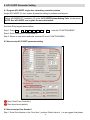
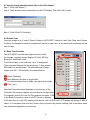
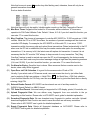
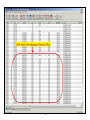
Assign a Door Number (1 – 255) to each reader. In 701 Client software, user can assign a Door Name for
each Door Number. Please note the meanings of Reader Node ID and Door Number are different. Door
Number means number that assigned to each door, but Reader Node ID means number that assigned to
controller and reader. The Door Number can be repeated.
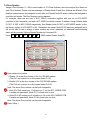
For example, there are two sets of ACC-1000V2 controllers together with one set of ACC-950FP
controller in the Framework, and each ACC-1000V2 controller connect 2 readers. Assign Reader Node
ID “001” & “002” to ACC-1000V2 respectively, then Reader Node ID “003” to ACC-950FP reader. In fact,
the factory setting of ACC-950FP is 001. Remember the reader Node ID 003 has been assigned and it
will not be able to use to assign to other readers any more; otherwise, an abnormal communicating
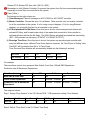
status will be occurred. Setting Reader Number by Command 00.
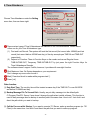
Press 0
0
N
N
N
#
(NNN means Reader Node ID.)
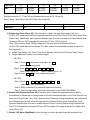
*
Input reader door number
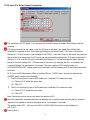
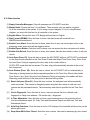
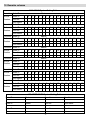
1. Reader 1-8 is the door number of the CH1 RS-485 readers.
(The CH1 can connect to on-line reader Node ID 1-8).
2. Reader 9-16 is the door number of the CH2 RS-485 readers.
(The CH2 can connect to on-line reader Node ID 9-16).
Note: The above Door number can be both changeable.
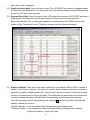
1. Node ID of WG reader port 1 is fixed to no.17 on the ACC-10002/Ei PCB.
If enable anti-pass-back, Node ID 17 is fixed to be in door.
2. Node ID of WG reader port 2 is fixed to no.18 on the ACC-10002/Ei PCB.
If enable anti-pass-back, Node ID 18 is fixed to be out door.
Note: The above Door number can be both changeable.
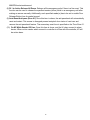
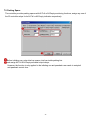
Press [ Write ].
19