1
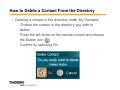
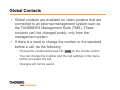
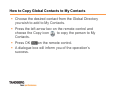
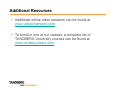
How To Answer an Incoming Call
Answering an incoming call is very similar to
answering a call on a mobile phone.
You will get an on screen menu asking you to
“Accept” or “Reject” the call, or you have the option to
place the system in “Do Not Disturb” mode.
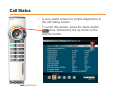
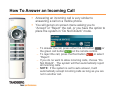
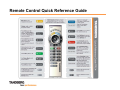
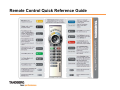
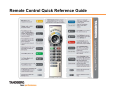
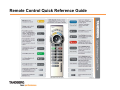
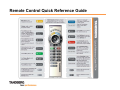
– To answer the call, press either the OK button
or
the green call button
on the remote control.
– To reject the call, press the Red button
or select
“Reject”.
– If you do no want to allow incoming calls, choose “Do
Not Disturb”. The system will then automatically reject
all incoming calls.
– NOTE: If the system is set to auto answer, it will
automatically accept incoming calls as long as you are
not in another call.