1
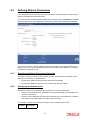
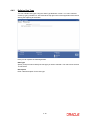
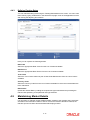
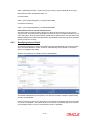
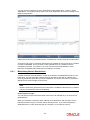
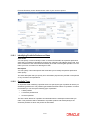
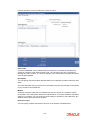
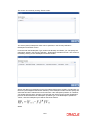
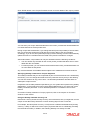
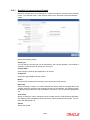
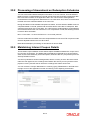
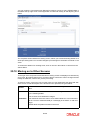
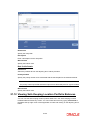
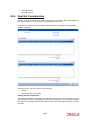
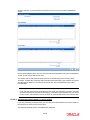
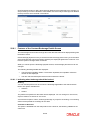
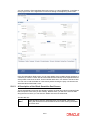
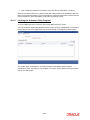
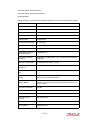
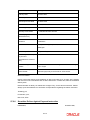
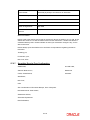
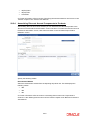
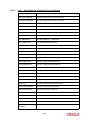
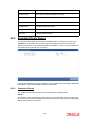
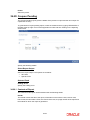
Click on ‘Netcons’ in the ‘Securities Deal Input’ screen to invoke the ‘Net Consideration’
screen.
If the picked-up KEST rate is zero, the amounts will not be displayed in the ‘Net Consideration’
screen, as the amount will also be zero.
The system will not calculate the KEST amount on the Bank leg of the security deals.
Therefore, for Bank Buy Customer Sell or Bank Sell Customer Buy type of deals, the system
will calculate the KEST for the relevant Customer leg. This is displayed as part of Net
Consideration.
Note
If the deal has customer buy and sell legs, then, both the customers involved in the deal
should necessarily have the same KEST type. If the KEST types are different, you cannot
save the deal. This restriction is to have same net consideration amount for both the legs.
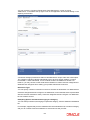
22.4.0.2 Viewing the forward profit or Loss in a Deal
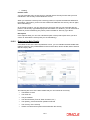
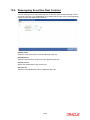
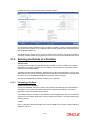
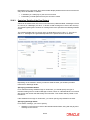
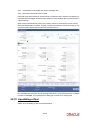
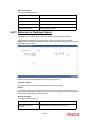
If you are processing a forward deal, you can view the forward profit that you have made or
the loss that you have incurred in the deal.
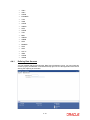
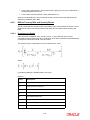
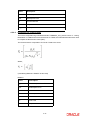
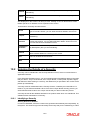
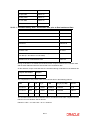
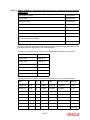
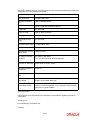
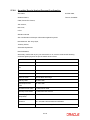
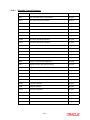
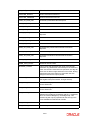
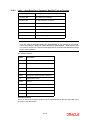
The following forward profit or loss details are displayed:
22-28