1
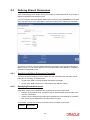
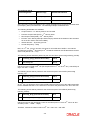
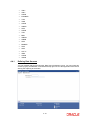
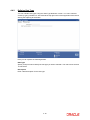
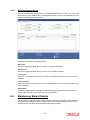
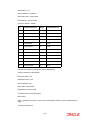
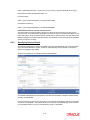
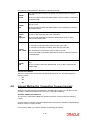
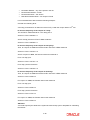
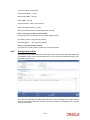
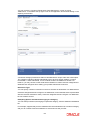
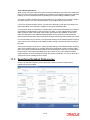
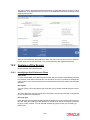
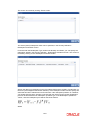
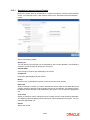
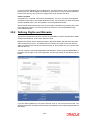
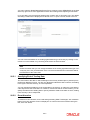
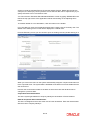
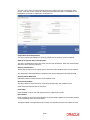
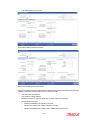
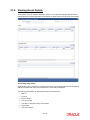
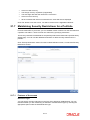
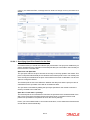
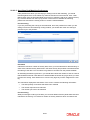
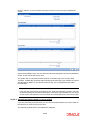
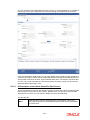
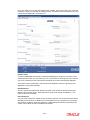
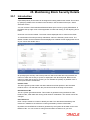
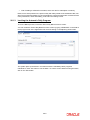
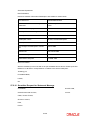
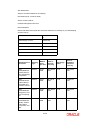
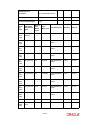
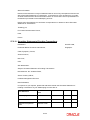
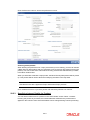
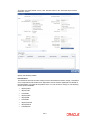
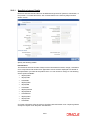
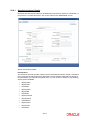
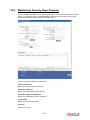
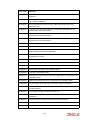
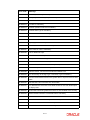
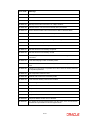
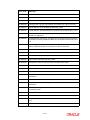
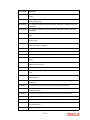
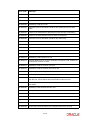
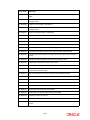
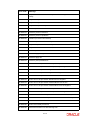
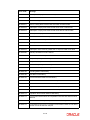
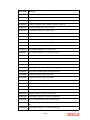
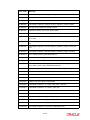
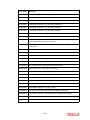
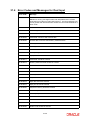
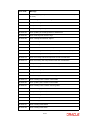
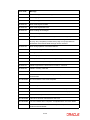
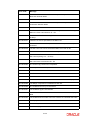
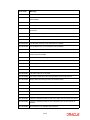
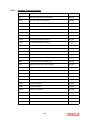
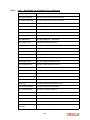
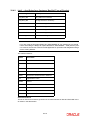
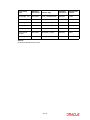
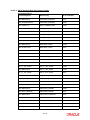
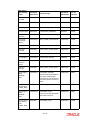
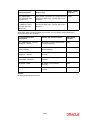
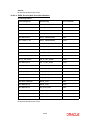
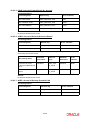
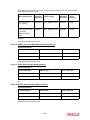
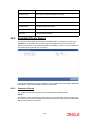
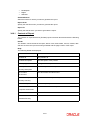
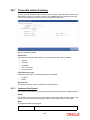
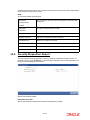
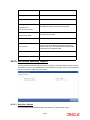
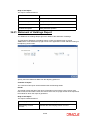
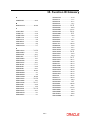
Description Enter a brief description to identify the rate code being defined. Holiday Currency Specify the holiday currency for this rate code. You can choose the appropriate one from the adjoining option list that displays all valid currency codes maintained in the system. Propagate Across Branches Check this option to indicate that the rate code should be available across all branches. Indicating Tenor Code Details Here you need to indicate the following: Tenor Code Specify a unique code to identify the tenor for which this rate code should be applicable. Tenor Code Description Enter a brief description for the tenor code. You can add multiple tenor codes for the rate code by clicking the add row button. Similarly, you can delete a tenor code by selecting the desired row and then clicking delete row button. In order to process MT340, MT360 and MT361 you need to maintain the following rate codes: AONIA BBR-AUBBSW BBR-BBSW SWAPRATE BA-CDOR BA CORRA TBILL ISDAFIX CLICP CIBOR DKKOIS ANNSR ANNUALSR EONIA EURIBOR TEC10-CNO HIBOR HONIX ISDA IDMA IDREFIX SBI SOR TELBOR01 4-11