1
•
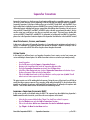
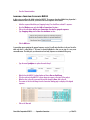
When the color in both cells is green and the text has changed to Done, click in the Group 2 cell in the
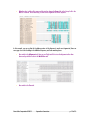
MUSCLE-2 channel. In the Web View, you will see the alignment for all the sequences.
In this example, you can see that the Synalpheus portion of the alignment is much more fragmented, there are
more gaps as a result of adding in the additional sequences, and fewer matching bases.
•
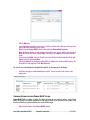
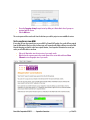
Now switch to the Alignment tab. Here you scroll right and left to view the alignment rather than
down and up with the results in the Web View tab.
•
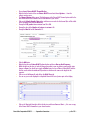
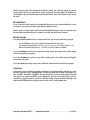
Now switch to the Tree tab.
Gene Codes Corporation ©2015
Sequencher Connections
p. 12 of 15