1
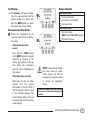
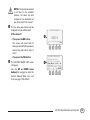
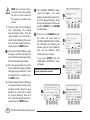
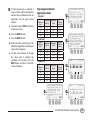
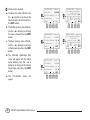
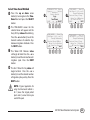
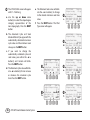
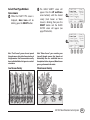
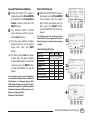
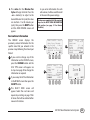
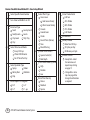
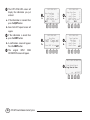
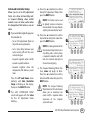
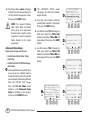
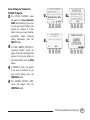
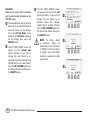
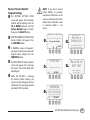
Restore “Factory Default” Program Settings The RESTORE SETTINGS FROM E screen will appear and Contractor Defaults will be blinking. Press the UP or DOWN button(s) until the Factory Defaults begins to blink; then press the SELECT button. RESTORE CURRENT SETTINGS FROM F Factory Defaults will appear. Press the RESTORE button. !! NOTE: If you elect to restore Factory Defaults, all previously programmed information will be erased and replaced with Factory default values. Information saved in Contractor Defaults is not erased. RESTORE SETTINGS FROM RESTORING TO Contractor Defaults Factory Defaults H Please Wait While Unit Reconfigures SELECT A WARNING screen will appear. If G Factory Defaults you want to continue to restore the original factory settings. Press the CONTINUE button. RESTORE CURRENT SETTINGS FROM: The RESTORING TO Factory Defaults H screen will appear with a message that reads: Please Wait While Unit Reconfigures. F Factory Defaults QUIT RESTORE I Rain Bird ESP-SMT Smart Modular Controller While the ESP-SMT is restoring I the Factory Default settings, the screen as shown will appear until all information has been programmed into the ESP-SMT controller. WARNING G Restoring Factory Defaults Will Delete ALL Current Settings. Contractor Defaults Will Be Retained. QUIT RESTORE ESP-SMT Smart Modular Control System 48