1
User's manual MioMap 2.0
3.2.3
Mobile phone keyboard
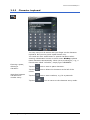
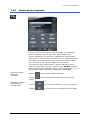
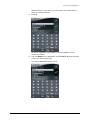
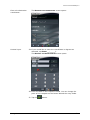
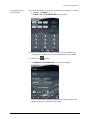
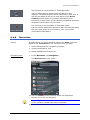
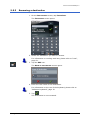
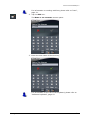
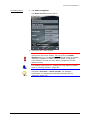
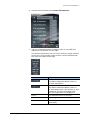
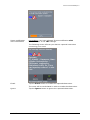
You may carry out all entries with your finger on the mobile
phone keyboard. But you may enter capital letters only.
As on a mobile phone, each key is designed to enter several
letters with it. The position of a letter on a key caption indicates
how often you must tap this key to enter the respective letter.
E.g., to enter an "S", tap the "PQRS" key four times.
You need not enter small letters or special characters when
entering a destination's town or street name. MioMap replaces
these characters automatically. When you are looking for, e.g., a
French town called "Héroïnès", simply type "HEROINES".
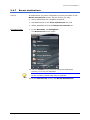
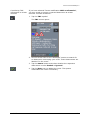
Entering a space,
deleting a
character…
Switching between
character and
number entry…
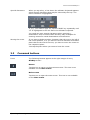
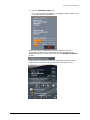
Tap the
icon to enter a space character.
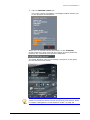
Tap the
cursor.
icon to delete the character at the left of the
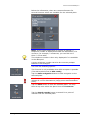
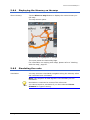
Tap the
icon to enter numbers, e.g. for a postcode.
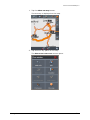
Tap the
icon to return to the character entry mode.
Operating the navigation software
- 16 -