1
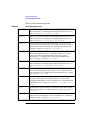
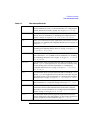
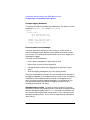
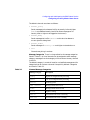
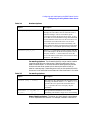
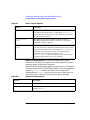
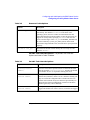
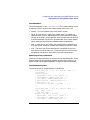
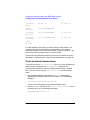
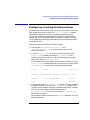
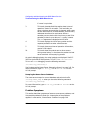
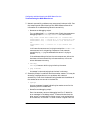
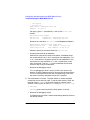
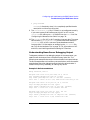
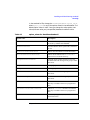
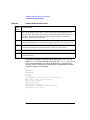
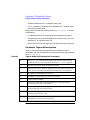
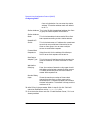
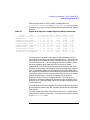
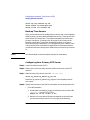
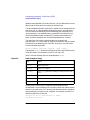
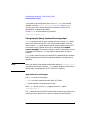
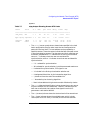
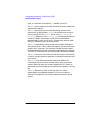
Dynamic Host Configuration Protocol (DHCP) Configuring DHCP number. An example of a subnet mask is 255.255.255.0. Subnet Address Pool: Click this button to select the range of IP addresses that you allocated in the section, “Preparing to Configure a DHCP Server” on page 267. A new screen will be displayed where you can enter the START and END address. If there are addresses within the range that you picked that you do not want allocated via DHCP, you can use the Reserved Addresses button to specify those. Allow Any Device Class: Automatic Allocation to Bootp Clients: Accept New Clients: Address Lease Time: Boot file name: The SAM default is to allow any type of DHCP device to use the group of IP address you are configuring. This may be undesirable if you use a different method (or a different DHCP server or group) for managing systems such as PCs running Win95 or NT. If you want this range of addresses to be used only by HP-UX systems, then unselect this button, and enter the text: “HewlettPackard.HP-UX” in the text field provided. Leave this option disabled. Enabling it will cause problems for bootp devices, such as printers and terminals, that rely only on their pre-configured server to respond to boot request. Leave this option enabled. It allows new clients to be added to the DHCP group. The lease time should be set sufficiently long so that if a client system is temporarily out of service for a time, its lease will not expire too soon. Infinite leases will never expire and disable the IP address reclamation feature of DHCP. Leave this field blank. 10. After filling in the parameter fields on the Add DHCP Group screen, click OK. SAM will make the modifications to the /etc/dhcptab file. Chapter 6 269