1
Installing and Configuring Internet Services
Configuring Logging for the Internet Services
Configuring Logging for the Internet Services
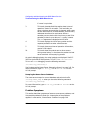
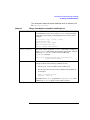
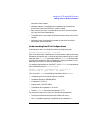
This section tells you how to complete the following tasks:
• “To Configure syslogd” on page 42
• “To Maintain System Log Files” on page 43
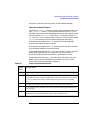
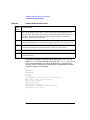
• “To Configure inetd Connection Logging” on page 43
• “To Configure ftpd Session Logging” on page 44
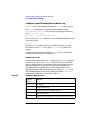
To Configure syslogd
The Internet daemons and servers log informational and error messages
through syslog. You can monitor these messages by running syslogd.
You can determine the type and extent of monitoring through syslogd’s
configuration file, /etc/syslog.conf.
Each line in /etc/syslog.conf has a “selector” and an “action”. The
selector tells which part of the system generated the message and what
priority the message has. The action specifies where the message should
be sent.
The part of the selector that tells where a message comes from is called
the “facility”. All Internet daemons and servers, except sendmail, log
messages to the daemon facility. sendmail logs messages to the mail
facility. syslogd logs messages to the syslog facility. You may indicate
all facilities in the configuration file with an asterisk (*).
The part of the selector that tells what priority a message has is called
the “level”. Selector levels are debug, information, notice, warning,
error, alert, emergency, and critical. A message must be at or above
the level you specify in order to be logged.
The “action” allows you to specify where messages should be directed.
You can have the messages directed to files, users, the console, or to a
syslogd running on another host.
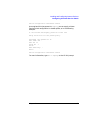
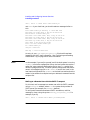
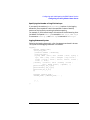
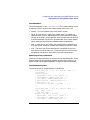
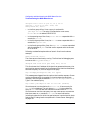
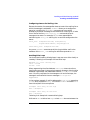
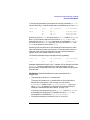
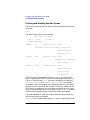
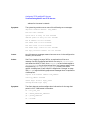
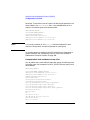
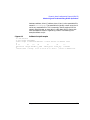
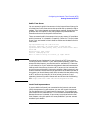
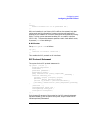
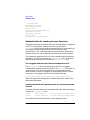
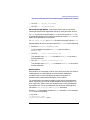
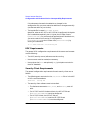
The following is the default configuration for /etc/syslog.conf:
mail.debug
*.info,mail.none
*.alert *.alert
*.emerg
42
/var/adm/syslog/mail.log
/var/adm/syslog/syslog.log
/det/console root
*
Chapter 2