1
Void Checks and Stop Payments
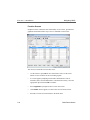
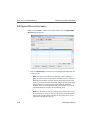
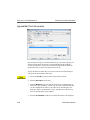
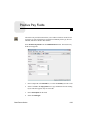
Use the Void Checks and Stop Payments function to void a check before it is
sent or to stop the payment of a check before it is cashed.
You can void any check after it is posted to the BRTRxxx (Transactions) file. The
check might have been entered through Bank Reconciliation or through Payroll
or Accounts Payable/Purchase Order (if these applications interface with Bank
Reconciliation). You can also void Bank Reconciliation checks in those
interfaced applications.
You can stop the payment of any check, even if you posted it from an interfaced
application (Accounts Payable/Purchase Order or Payroll). In addition, you must
do one of these things:
•
If you posted the check from an interfaced application, enter a transaction to
reverse the check. Then enter the correct check (if necessary) and post the
transactions. See the appropriate user’s manual for more information.
•
If you entered the check through the Transactions function, reverse the
check. Then enter the correct check (if appropriate), and post the
transactions.
When you post a voided check, these things happen to the original disbursement:
•
•
•
The status is changed to void.
The amount is set to zero.
The check is tagged as cleared.
When you post a stop payment, the status of the original disbursement is
unchanged, but it is flagged as a stop payment, which you must manually tag as
cleared.
Bank Reconciliation
4-13