1
A project management tool for FoC students projects
Summer 2011
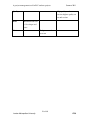
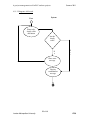
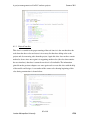
3) The tool displays all tasks starting on
that day and their details.
Alternative:
3) If there are no tasks on that day then no tasks are displayed.
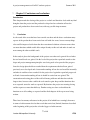
4.10.3 Delete a task
Actor: Student
Type: Primary
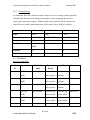
Description: The student runs the tool then finds the task that shall be deleted by
selecting its start date then viewing the tasks on that day. The name of the task to be
deleted is entered then delete is chosen and the specified task is removed from the current
project calendar.
Dialogue:
Actor
Configuration Management tool
1) The student runs the tool then selects a
day that contains tasks and chooses daily
calendar view.
2) The tool checks all tasks that start on
that day.
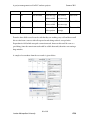
3) The tool displays all tasks starting on
that day and their details.
4) The user types the name of the task to be
removed then clicks on the remove button.
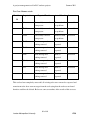
5) The task gets removed from the project
calendar and displays a confirmation
message
Alternative:
3) If there are no tasks on that day then no tasks are displayed.
5) If the wrong task name is entered then an error message indicated that no such task
exists is displayed.
48 of 86
London Metropolitan University
FOC