1
combi.qxd
12/01/99 09:00
Page 16
User Manual
GARDTEC 800 Series
11)
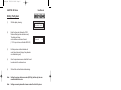
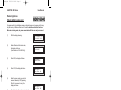
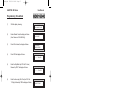
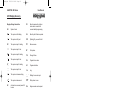
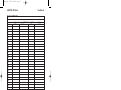
Referring to the character map enter the required
character (pressing the 3 key will display 'G', pressing
it again will show 'H' and again will show 'I '), once
the correct character is displayed press YES and the
display will move on to the next position.
12)
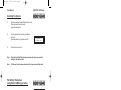
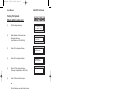
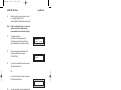
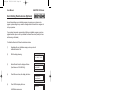
Continue entering characters (up to 9). If
you require a blank space press YES while
the '-' is displayed
13)
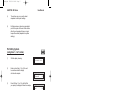
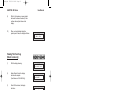
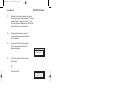
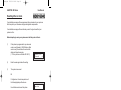
As you press YES for the ninth character
(or if you have jumped from step 9) the
display will change to:Do you want to . .
Prog. USER CODES ?
14)
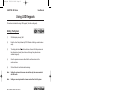
If you wish to program other User Codes
return to step 4
Or
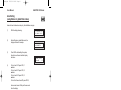
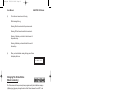
Press 0 to return to:-
< < < < UN-SET > > > >
01 JAN 18 : 58 : 01
Page 16