1
combi.qxd
12/01/99 09:00
Page 26
User Manual
GARDTEC 800 Series
Changing The Chime Status
(Master code only)
The Chime zones will have previously been programmed by your installation company.
A Master level code may change the status of the chime between On and Off. To do
so proceed as follows:1)
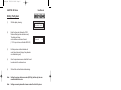
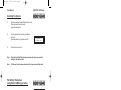
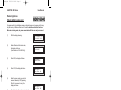
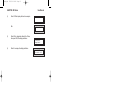
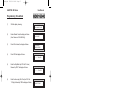
With the display showing ' Un ' enter a Master code
2)
The display will show ' SE ' (flashing)
3)
Press NO four times the display will show ' Ch '
4)
Press YES, the display will show ' oF ' or ' on '
5)
Press NO to change the Chime status.
6)
When you have finished press 0 twice to return to the Unset condition.
Programming User Codes
(Master code only)
Please refer to pages 2 & 34 for details of codes already programmed onto your
system.
1)
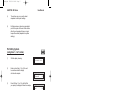
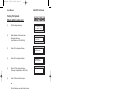
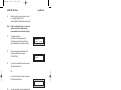
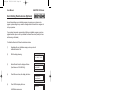
With the display showing ' Un ' enter a Master code
2)
The display will show ' SE '
3)
Press NO five times, the display will show ' Uc ' (flashing).
4)
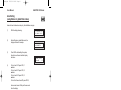
Press YES, the display will show ' U- '
5)
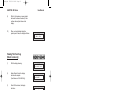
Enter the User number you wish to program (1 to 47 for 840 or 1 to 7 for 800
& 816 ) followed by YES
6)
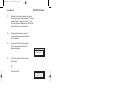
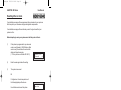
The display will show ' Co ' Enter the required code (4, 5 or 6 digits) followed
by YES. (Entering 000000 will delete an existing code).
7)
The display will show ' t- ' enter the code type from the following list followed
by YES:Code Types may be seen at the beginning of this manual.
8)
The display will show ' Uc ' (flashing)
Page 26