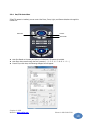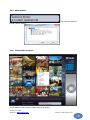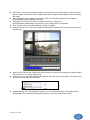
1
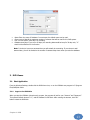
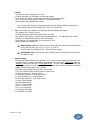
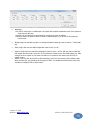
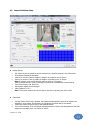
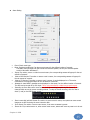
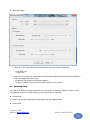
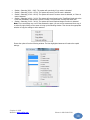
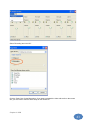
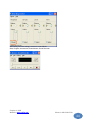
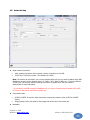
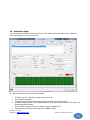
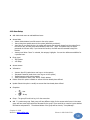
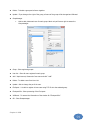
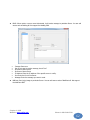
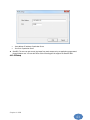
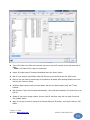
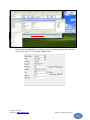
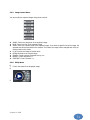
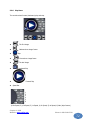
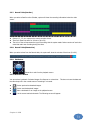
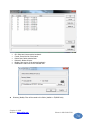
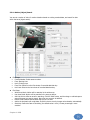
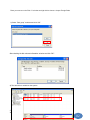
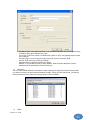
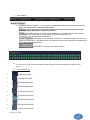
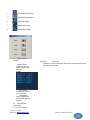
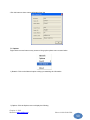
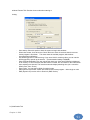
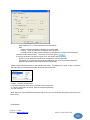
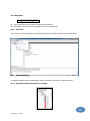
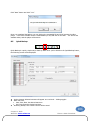
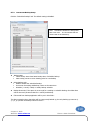
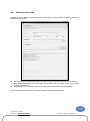
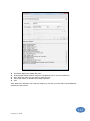
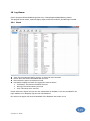
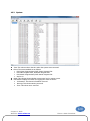
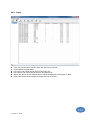
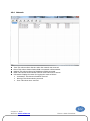
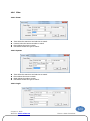
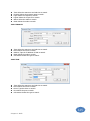
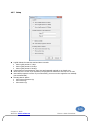
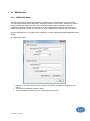
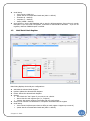
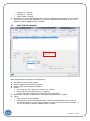
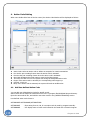
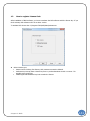
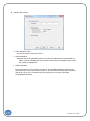
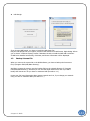
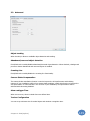
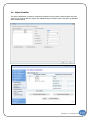
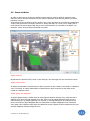
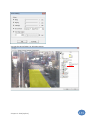
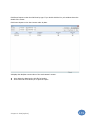
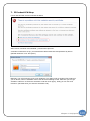
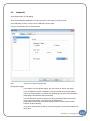
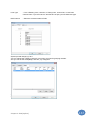
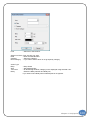
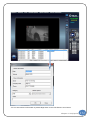
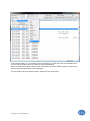
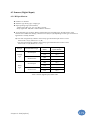
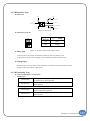
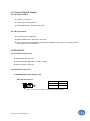
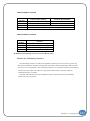
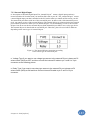
1.3 • Flow Bits: (8 = default) • Stop Bits: (1 = default) • Parity: (NONE = default) Save Directory: Set the POS database path to save the POS transactions. Ensure there is enough disk space If you use under 16 registers, a minimum of 3GB should be allocated. If you use 16 registers, minimum 5GB disk space is needed. Multi TCP Cash Register Main Dialog displays the TCP/IP port configurations. 132 Add: Add the selected Cash Register. Update: Update the selected Cash Register. Delete: Delete the selected Cash Register. Options • Use: Check the “Use” option if you want to use a device. • Device: Set the cash register type (i.e., Fuijits1S) • Camera: Set camera number to associate with the cash register. Action Count: Number of transactions or exceptions associated with the register TCP/IP • Port: Type Port no (except 9876) • Save Directory: Set the POS database path to save the POS transactions. Ensure there is enough disk space If you use under 16 registers, a minimum of 3GB should be allocated. you use 16 registers, minimum 5GB disk space is needed. If Chapter 2. POS