1
Back To Top
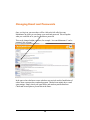
Text Font, Size, Attributes and Colors.
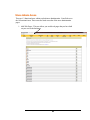
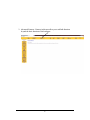
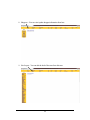
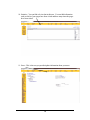
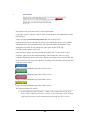
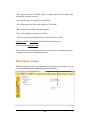
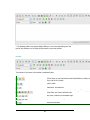
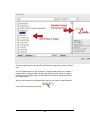
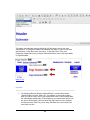
To change the Font, Size, Fore color, or Background color for text on a page, select the
text you want to modify by pressing down your mouses' left button and holding it, sweep
the text that you wish to change. After the text is highlighted then you can use the any
of the following functions to edit the text.
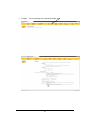
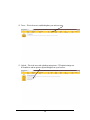
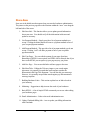
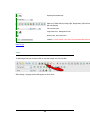
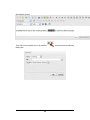
Bold, Italic, Underline, Strikethrough, Superscript, Subscripot, Font Face, Size,
Foreground Color, or Background
Color
58