1
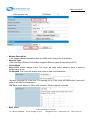
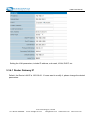
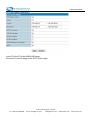
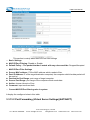
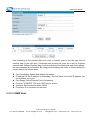
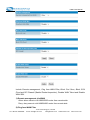
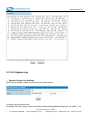
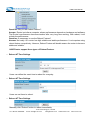
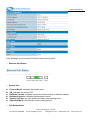
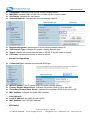
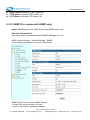
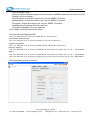
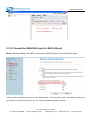
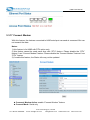
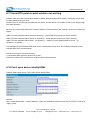
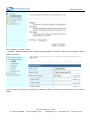
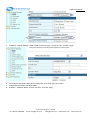
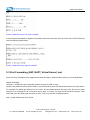
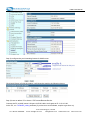
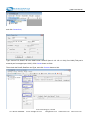
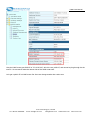
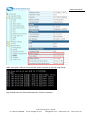
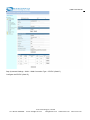
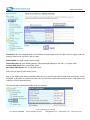
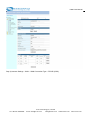
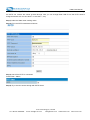
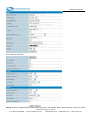
H685 User Manual Port forwarding is the process that your router or firewall uses to sort the right kind of network data to the right port. Computers and routers use ports as a way to organize network data. Different types of data, such as web sites, file downloads, and online games, are each assigned a port number. By using port forwarding, the router or firewall sends the correct data to the correct place. Port Forwarding: Enable and disable the feature. IP address: fill the IP address of forwarding. The first blank is for local IP address, the second blank is for port. Port Range: fill the External Port of forwarding. Protocol: TCP&UDP, TCP only, UDP only for choice Interface: Recommend to select “WAN” Comment: fill in comment for the rules. 3.3.13.3 DMZ Host E‐Lins Technology Co.,Limited Tel: +86‐755‐29230581 E‐mail: sales@e‐lins.com [email protected] www.szelins.com www.e‐lins.com