1
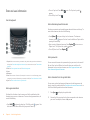
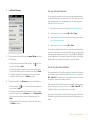
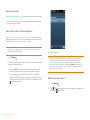
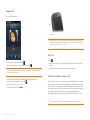
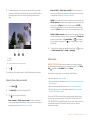
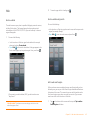
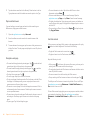
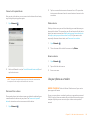
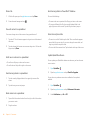
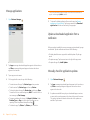
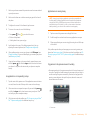
Look at photos in a slideshow
2
If
is not visible, tap the screen to display it.
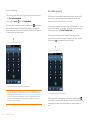
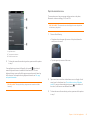
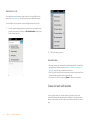
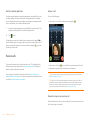
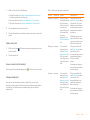
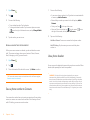
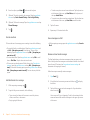
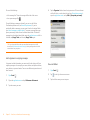
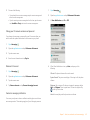
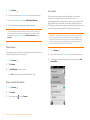
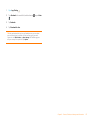
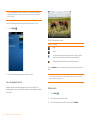
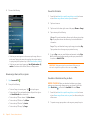
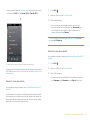
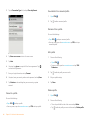
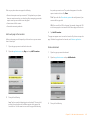
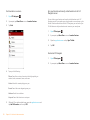
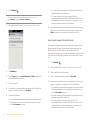
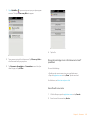
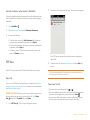
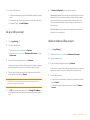
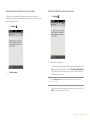
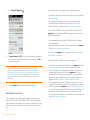
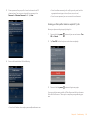
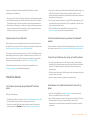
Add a picture to a contact
3
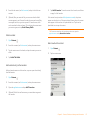
Tap
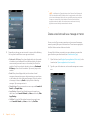
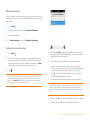
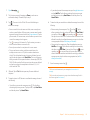
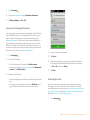
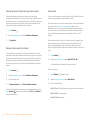
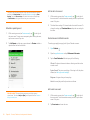
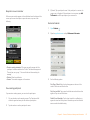
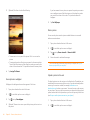
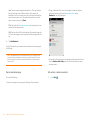
You can add a picture to a contact using the Photos application.
4
Enter the contact name and tap the contact.
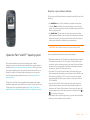
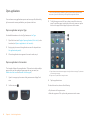
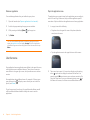
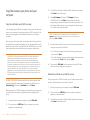
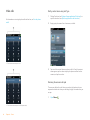
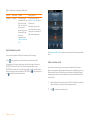
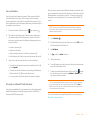
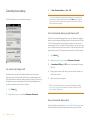
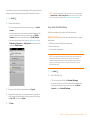
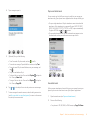
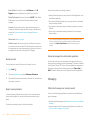
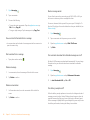
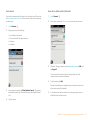
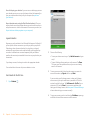
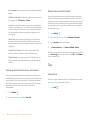
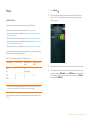
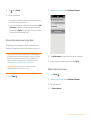
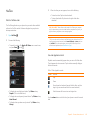
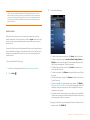
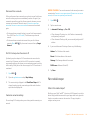
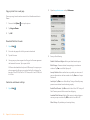
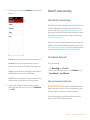
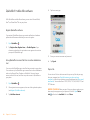
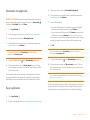
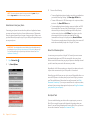
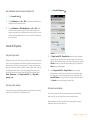
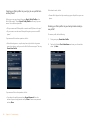
You can view the photos in any album as a slideshow.
1
Open Photos
.
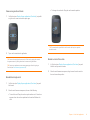
2
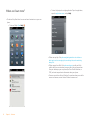
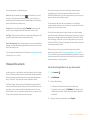
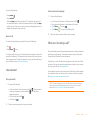
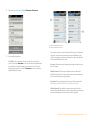
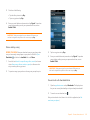
Tap the album you want to view as a slideshow.
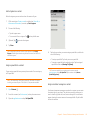
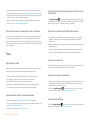
3
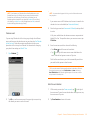
Do one of the following:
• To start with the first photo in the album: Open the application
menu and tap Play Slideshow.
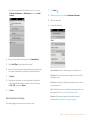
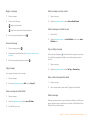
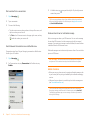
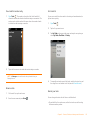
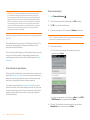
• To select a different starting point: Tap the photo you want the
slideshow to start at and tap
.
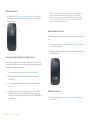
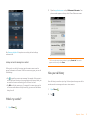
4
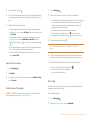
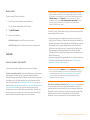
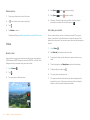
To exit the slideshow, tap a photo.
and tap Assign to contact.
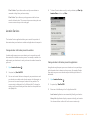
TIP You can also add a picture to a contact in the Contacts application (see Add a
photo to a contact).
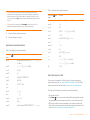
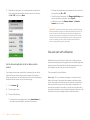
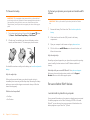
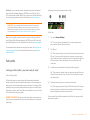
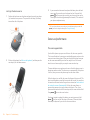
1
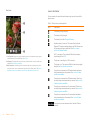
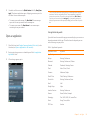
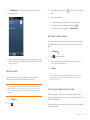
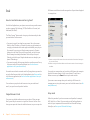
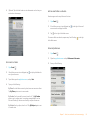
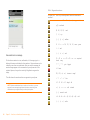
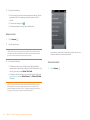
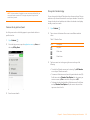
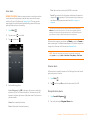
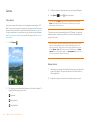
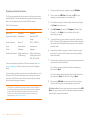
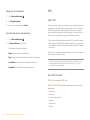
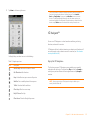
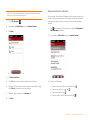
Tap a picture thumbnail to view it full-screen.
Chapter 9 : Photos, videos, and music
143