1
Enter and save information
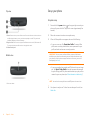
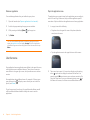
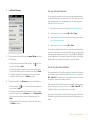
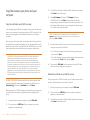
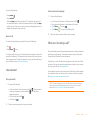
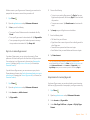
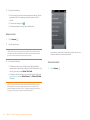
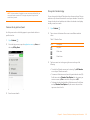
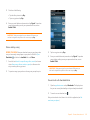
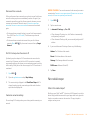
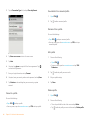
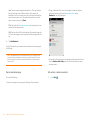
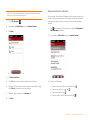
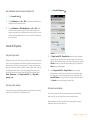
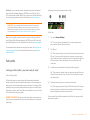
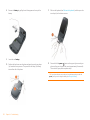
• Turn on Caps Lock: Press Shift
appears.
• Turn off Caps Lock: Press
.
twice. The Caps Lock symbol
Use the keyboard
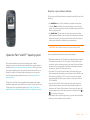
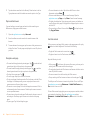
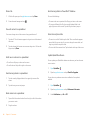
Enter alternate keyboard characters
Numbers, punctuation, and symbols appear above the letters on the keys. To
enter these characters, do one of the following:
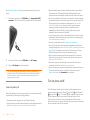
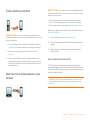
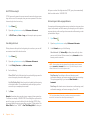
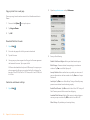
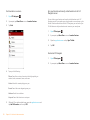
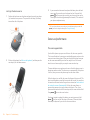
• Press Option
and press the key for the character. The alternate
character symbol
appears. You don’t need to hold down Option while
pressing the second key.
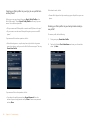
• Enter a series of alternate characters: Press Option
twice to turn on
Option Lock. The Option Lock symbol
appears.
• Turn off Option Lock: Press Option .
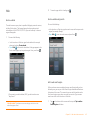
Enter passwords
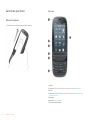
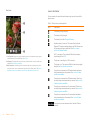
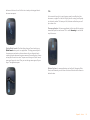
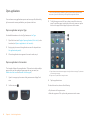
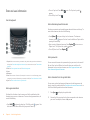
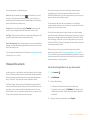
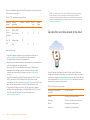
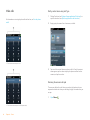
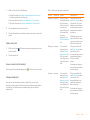
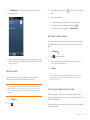
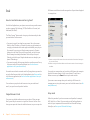
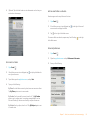
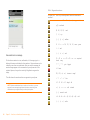
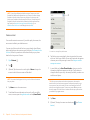
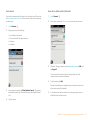
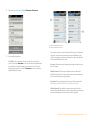
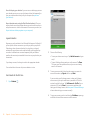
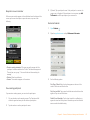
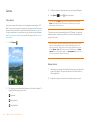
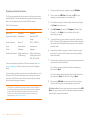
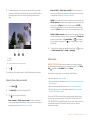
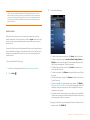
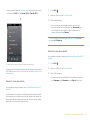
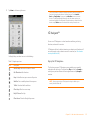
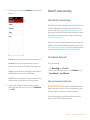
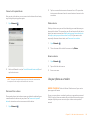
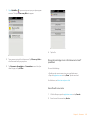
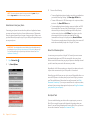
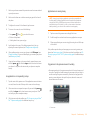
1 Option: Press to enter numbers, punctuation, and symbols that appear above the letters on
the keys (see Enter alternate keyboard characters), or to move the cursor (see Text selection
gestures).
2 Shift: See Enter uppercase letters and Text selection gestures.
3 Space
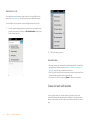
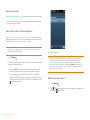
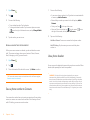
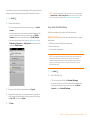
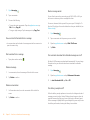
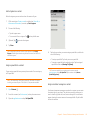
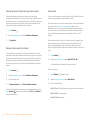
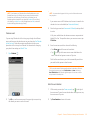
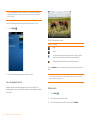
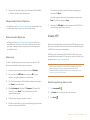
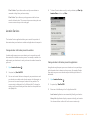
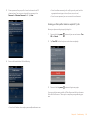
You can see each character of a password only as you enter it, so be careful.
Be sure Caps Lock and Option Lock are off unless you need them. For
information on how to enter characters, see Enter uppercase letters and
Enter alternate keyboard characters.
4 Backspace
5 Enter: Press to enter a line return (for example, in a memo or in an email message you are
composing) or to accept information you entered in a field (see Enter information in a field).
Enter characters from the symbols table
6 Sym: See Enter characters from the symbols table.
Enter uppercase letters
By default, the first letter of each sentence or field is capitalized and the
remaining text you enter is lowercase. To enter other uppercase letters, do
one of the following:
• Press Shift
and press the letter key. The Shift symbol
appears. You
don’t need to hold down Shift while you press the letter key.
46
Chapter 4 : Work with applications
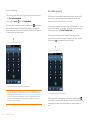
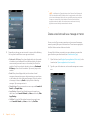
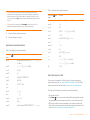
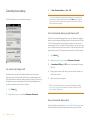
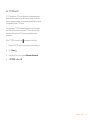
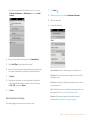
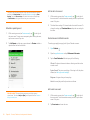
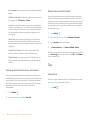
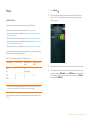
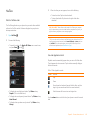
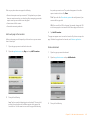
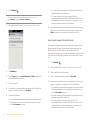
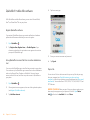
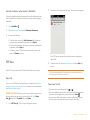
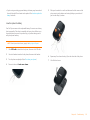
You can enter symbols and accented characters that don’t appear on the
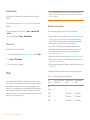
keys by using the symbols table. See Symbols and accented characters for a
list of the available symbols and accented characters.
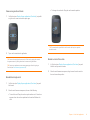
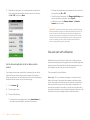
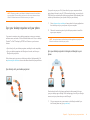
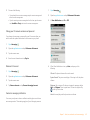
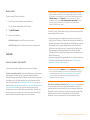
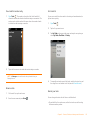
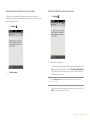
1
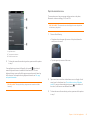
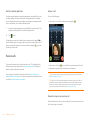
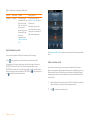
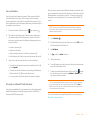
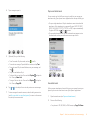
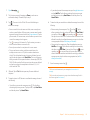
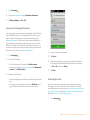
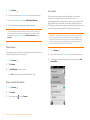
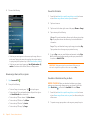
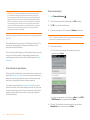
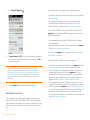
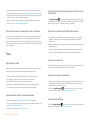
Press Sym
to display the symbols table.
2
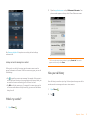
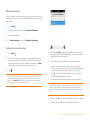
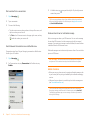
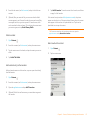
Narrow the list by pressing the key that corresponds to the character
you want. For example, to enter an é, press e.