1
eRecruitment
Recruiter User Manual
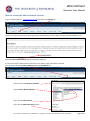
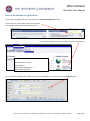
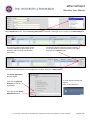
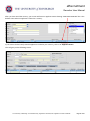
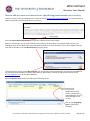
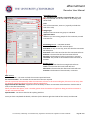
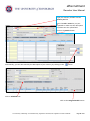
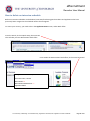
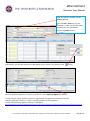
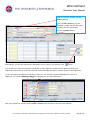
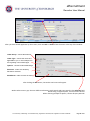
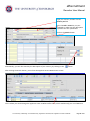
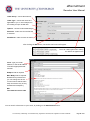
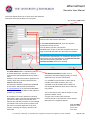
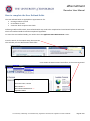
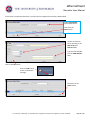
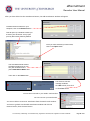
Vacancies will display in Vacancy Reference number (Vacancy ID) order, with the highest Vacancy Reference number
(most recently created vacancy) at the end of the list. Use the scroll bar on right of page to move up and down list.
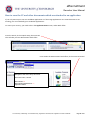
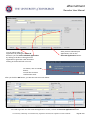
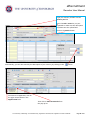
Double Click on Vacancy Number you are working on.
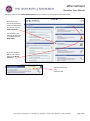
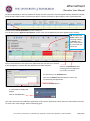
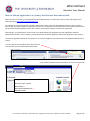
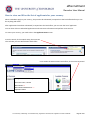
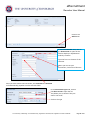
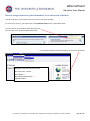
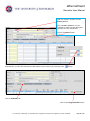
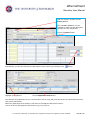
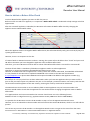
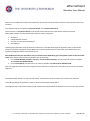
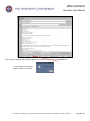
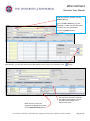
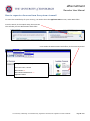
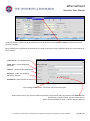
You will then see the Applicant Acceptance screen, with a list of applicants who have applied for the vacancy.
NB: Disregard the
Score column and
anything relating
to Score as this
part of the system
is not used by the
University
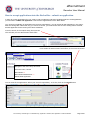
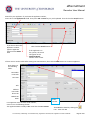
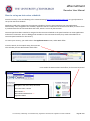
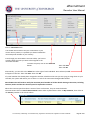
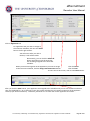
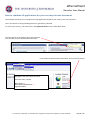
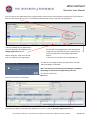
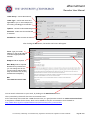
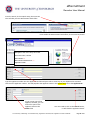
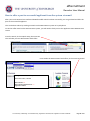
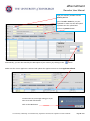
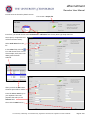
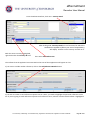
Click in the check-box to the right of the application that you wish to un-submit.
A tick will appear to confirm that the application has been selected.
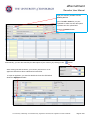
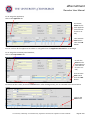
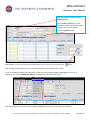
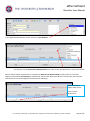
Click on the Unsubmit button
to the right of the application
you wish to un-submit.
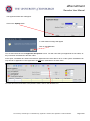
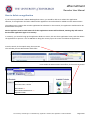
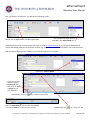
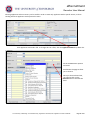
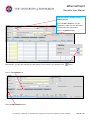
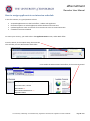
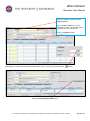
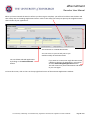
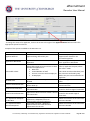
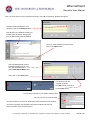
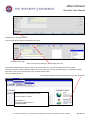
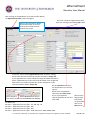
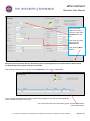
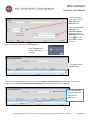
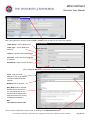
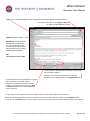
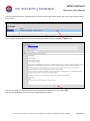
You will then see an Unsubmit box.
Click into the Reason field and type the reason for
un-submitting the application.
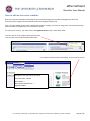
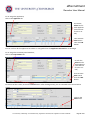
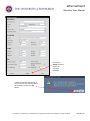
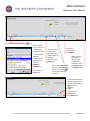
Click on the Save button
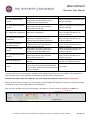
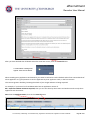
A confirmation message will
appear
Click on the OK button.
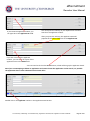
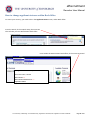
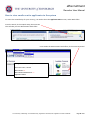
This action will return the candidates application back into their application history within the Jobs website and they
can then edit / make changes, before submitting again.
The University of Edinburgh is a charitable body, registered in Scotland, with registration number SC005336.
Page 8 of 91