1
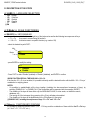
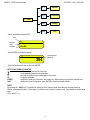
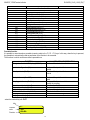
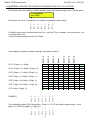
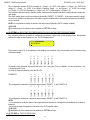
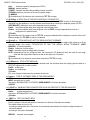
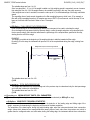
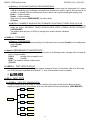
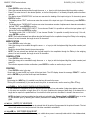
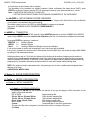
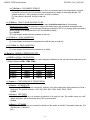
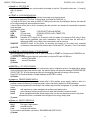
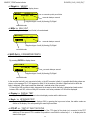
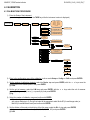
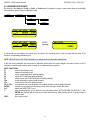
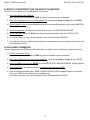
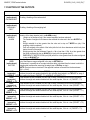
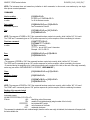
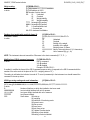
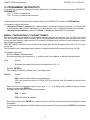
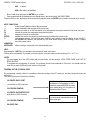
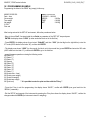
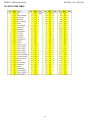
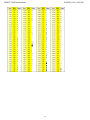
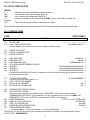
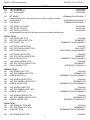
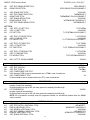
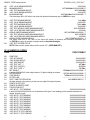
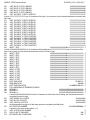
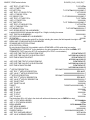
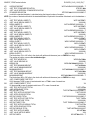
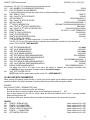
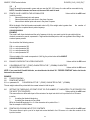
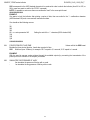
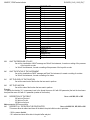
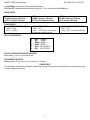
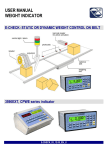
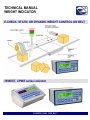
3590EXT, CPWE series indicator E-CHECK_03.00_12.05_EN_T F1 Default F2 Preamble Fn Modify 2nd F List F. Keys - select the desired key with F6/F7: Key Function code Function F1 304 Art.dtb - press ENTER to modify the setting: Code function (blinking) F1 304 - Enter the desired code and confirm with ENTER. KEYS‟ FUNCTIONS IN THIS STEP scrolls forward inside the list of the keys. scrolls backward inside the list of the keys. F1 performs the default of the function pairing of the keys. F2 inserts the preamble. ENTER modifies the code of the function in the current key; while entering it confirms the entered code. 2nd F displays the list of the functions; press ENTER to select the desired function. NOTE: By pressing the . /HELP key, it’s possible to display the list of the keys used inside this step and their functions. The list is automatically shown. If one wants to scroll the list of the keys in manual mode, it is possible to use the arrow keys (F6 and F7 ). 17