1
Getting started:
Before you start working in Sapling, it is advised to create a folder of sound files which
you wish to use in the program. (A few sound files are included with the download to
get you started). Sapling supports folder nesting so you can create subfolders within
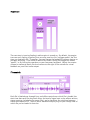
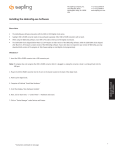
your main sound folder. Once you have your folder of sounds, just drag and drop that
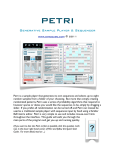
folder onto the appropriate box in the upper-right corner of Sapling’s screen shown
below:
This will populate Sapling’s menu with your own sounds.
*Hint: Try arranging your subfolders according to type. For example, you can have
separate folders for drum loops, sound effects, melodic material, etc. Each sound file
will be grouped near others in its subfolder in the menu display.