1
Command Line Switches
8-11
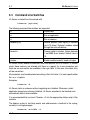
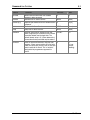
-display
(D)
Used to display a status bar at the top of the screen.
Arguments
(None)
Use
Use this command to activate and deactivate a status bar in DOS when
installing HL-Server and at any later point in time. Do not use this option when
working with Windows 3.x and HL-Server. This can lead to distortions in the
Windows display.
Example
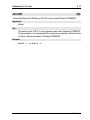
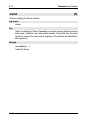
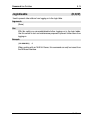
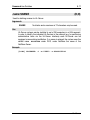
HLSERVER -d
Switches the status bar on and off when HL-Server is loaded as a resident
program.
HLSERVER -i -m:29809 -d
Activates the status bar during installation.
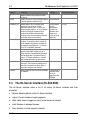
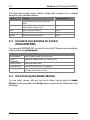
The HL-Server status bar:
HL-Server