1
RSF361 – Manual v.6.0
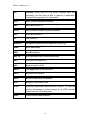
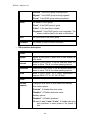
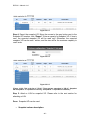
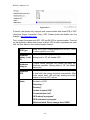
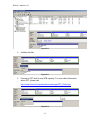
“Failed” Æ the hard drive is failed.
“Error Alert” Æ S.M.A.R.T. error alert.
“Read Errors” Æ the hard drive has unrecoverable
read errors.
Usage
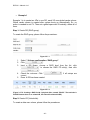
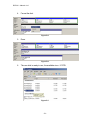
“RD” Æ RAID Disk. This hard drive has been set to
RAID.
“FR” Æ FRee disk. This hard drive is free for use.
“DS” Æ Dedicated Spare. This hard drive has been
set to the dedicated spare of the RG.
“GS” Æ Global Spare. This hard drive has been set to
a global spare of all RGs.
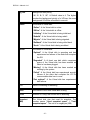
“RS” Æ ReServe. The hard drive contains the RG
information but cannot be used. It may be
caused by an uncompleted RG set, or hot-plug of
this disk in the running time. In order to protect
the data in the disk, the status changes to
reserve. It can be reused after setting it to “FR”
manually.
Vendor
Hard drive vendor.
Serial
Hard drive serial number.
Type
Hard drive type.
“SATA” Æ SATA disk.
“SATA2” Æ SATA II disk.
“SAS” Æ SAS disk.
•
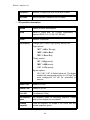
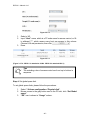
Write cache
Hard drive write cache is enabled or disabled.
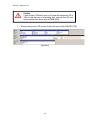
Standby
HDD auto spindown to save power. The default value
is disabled.
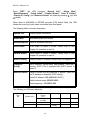
PD operations description:
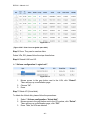
Set Free disk
Make the selected hard drive to be free for use.
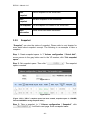
Set Global
spare
Set the selected hard drive to global spare of all RGs.
- 31 -