1
RSF361 – Manual v.6.0
3.5.2
Physical disk
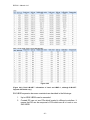
“Physical disk” can view the status of hard drives in the system. The followings
are operational tips:
1.
2.
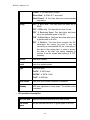
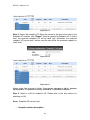
Mouse moves to the gray button next to the number of slot, it will show
the functions which can be executed.
Active function can be selected, but inactive function will show in gray
color.
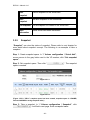
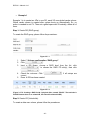
For example, set PD slot number 11 to dedicated spare disk.
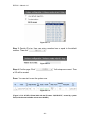
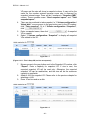
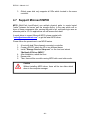
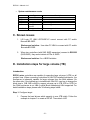
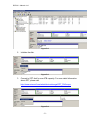
Step 1: Mouse moves to the gray button of PD 11, select “Set Dedicated
spare”, it will link to next page.
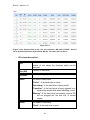
Figure 3.5.2.1
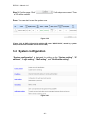
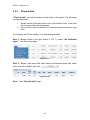
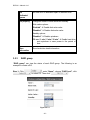
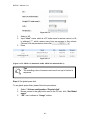
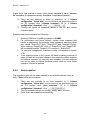
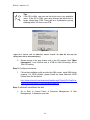
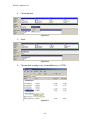
Step 2: Maybe it has some RGs which can be set dedicate spare disk, select
which one will be added, then click “
”.
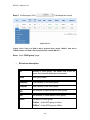
Figure 3.5.2.2
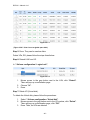
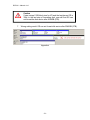
Done. View “Physical disk” page.
- 29 -