1
RSF361 – Manual v.6.0
More
information
3.5.4
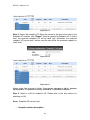
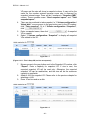
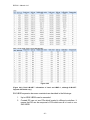
Show RAID group detail information.
Virtual disk
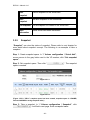
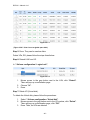
“Virtual disk” can view the status of each Virtual disk. The following is an
example to create a VD.
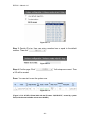
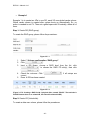
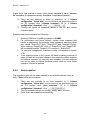
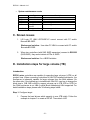
”, enter “Name”, choose “RG name”,
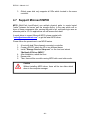
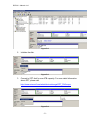
Step 1: Click “
“Stripe height (KB)”, “Block size (B)”, “Read/Write” mode, “Priority”, “Bg
rate” (Background task priority), change “Capacity (GB)” if necessary. Then
click “
”.
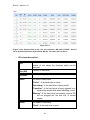
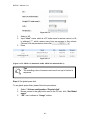
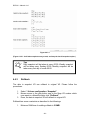
Figure 3.5.4.1
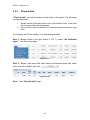
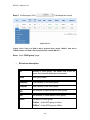
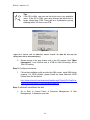
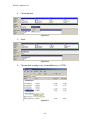
Step 2: Confirm page. Click “
” if all setups are correct.
- 35 -