1
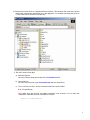
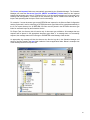
2. Extract the iConnect zip file to a specified directory location. This extraction will create the iConnect
folder which contains the needed files to run the application. For example, extracting the zip file to
C:\ will create iConnect folder in that directory.
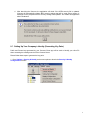
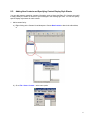
3. Run the iConnect Client App:
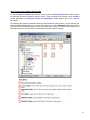
a) Windows Explorer
Go to the iConnect folder and double-click iConnectRun.bat file.
b) Command Line
Go to the iConnect folder, type iConnectRun.bat and then press Enter.
c) To run iConnect on Linux, use this command inside the iConnect folder:
$ sh ./iConnectRun.sh
Note: Make sure that the file's executable permission is set correctly. You can issue this
command to make the script file executable to all users:
chmod 777 iConnectRun.sh
4