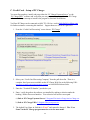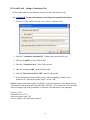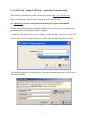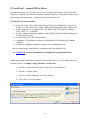
1
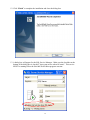
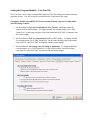
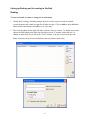
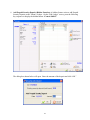
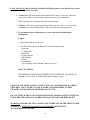
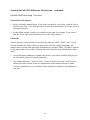
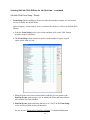
4. If you have a Check Scanner, connect the scanner to the computer now. The driver
should be installed automatically.
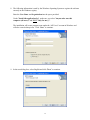
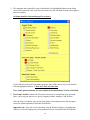
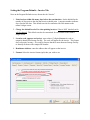
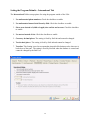
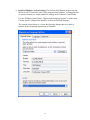
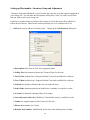
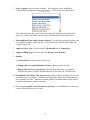
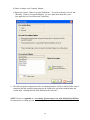
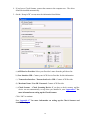
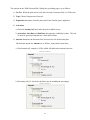
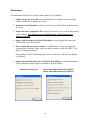
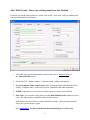
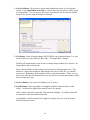
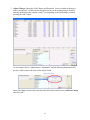
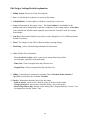
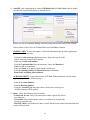
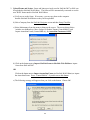
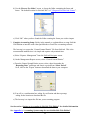
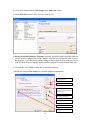
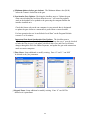
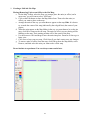
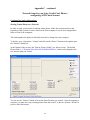
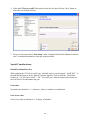
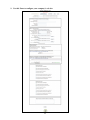
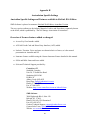
5. On the “Setup ACH” screen, enter the information listed below.
a) ACH Service Provider: Select your Provider’s name from the pull-down list.
b) User Interface URL: Contact your ACH Service Provider for this information.
c) Transaction Interface - Transaction Service URL: Contact ACH Provider.
d) Merchant Name / User ID / Password: Contact ACH Provider.
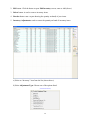
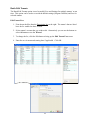
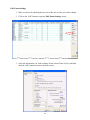
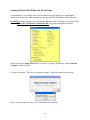
e) Check Scanner – Check Scanning Device: If you have a check scanner, and the
device was not automatically set up when you installed it, see “Appendix C” for
more information on setting up the Check Scanner.
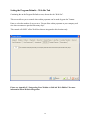
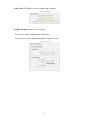
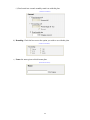
Click “OK” to continue.
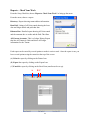
See “Appendix C” for more information on setting up the Check Scanner and
troubleshooting.
78