1
"Import" menu
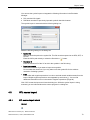
4.2 Symbol import
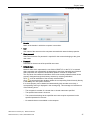
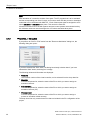
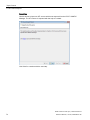
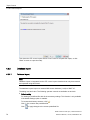
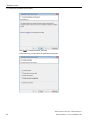
While the "Hardware configuration import" action is being executed, a dialog box shows the
current progress.
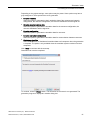
Additional dialog boxes open when a new resource is added. Enter the required information
in these dialog boxes.
Newly found objects
The following new objects may be found during an import:
● AS(s)
A corresponding dialog box opens if a new AS is found. Enter the required information
here. In this case, proceed as you would for manually adding an AS. You can find
additional information on this in the help "SIMIT Virtual Controller (VC) - User Manual >
Creating a new emulation project > Importing resources".
● CPU modules
A corresponding dialog box opens if a previously unknown CPU module is found. Enter
the required information here. In this case, proceed as you would when manually adding
a CPU module. You can find additional information on this in the help "SIMIT Virtual
Controller (VC) - User Manual > Creating a new emulation project > Importing resources".
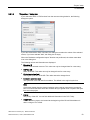
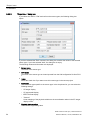
● Sensor types
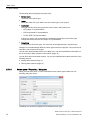
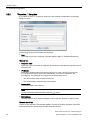
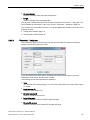
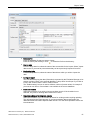
A corresponding dialog box opens if a previously unknown sensor type is found. Enter the
required information here. In this case, proceed as you would for manually adding a
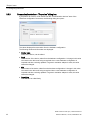
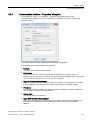
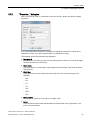
sensor type. You can find additional information on this in the section: Sensor types "Properties..." dialog box (Page 26).
● I/O
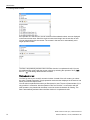
If a new I/O is found, it is automatically added to the list of unknown modules. A
corresponding message is displayed. An additional dialog box is displayed for all modules
whose MLFB numbers do not correspond to the PCS 7 standard. In it, you determine
whether or not these modules are added to the list with unknown modules.
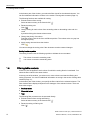
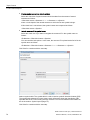
If you want to integrate I/O signals in the Emulation Manager and new I/O modules were
found, you need to specify the following additional information for each module:
– Module type (analog or digital)
– In use (if the module is to be used in emulation)
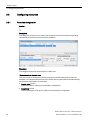
4.2
Symbol import
Symbol
Description
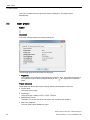
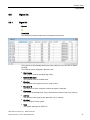
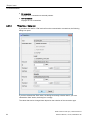
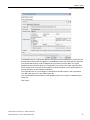
You use this action to import a symbol table from PCS 7.
SIMIT Virtual Controller (VC) - Reference Manual
72
Reference Manual, 11/2014, A5E32888913-AB






































![OverView Control Manager user`s manual - operator [v04]](http://vs1.manualzilla.com/store/data/005659468_1-4c522981c7089838b286d7fbb1120c24-150x150.png)