1
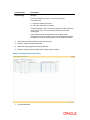
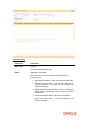
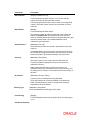
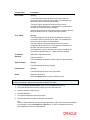
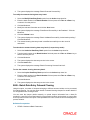
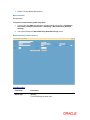
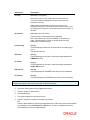
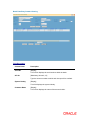
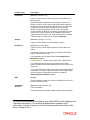
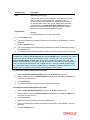
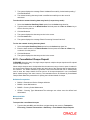
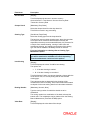
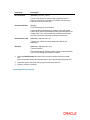
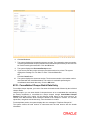
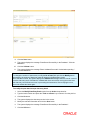
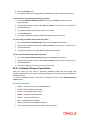
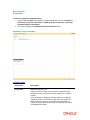
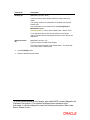
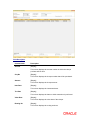
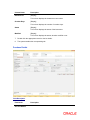
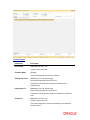
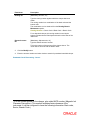
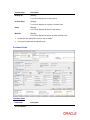
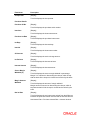
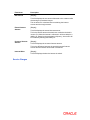
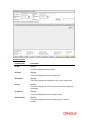
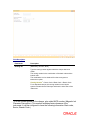
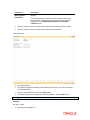
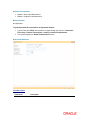
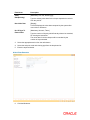
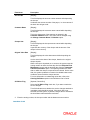
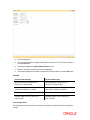
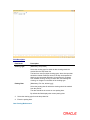
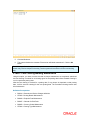
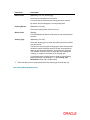
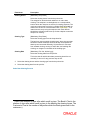
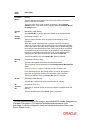
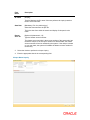
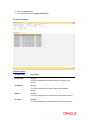
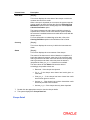
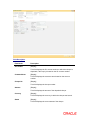
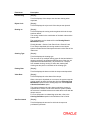
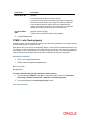
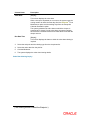
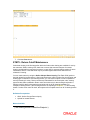
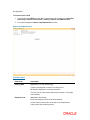
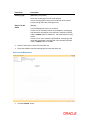
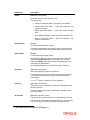
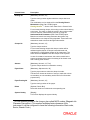
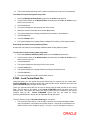
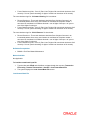
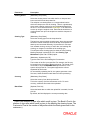
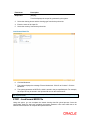
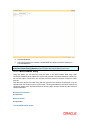
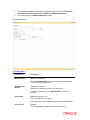
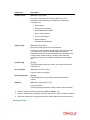
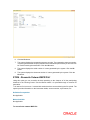
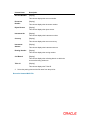
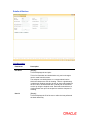
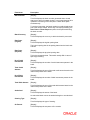
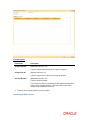
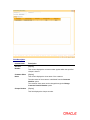
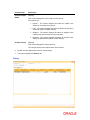
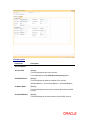
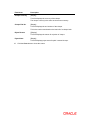
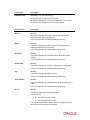
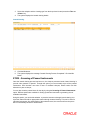
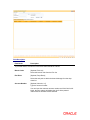
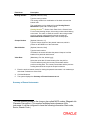
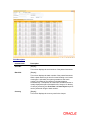
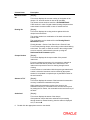
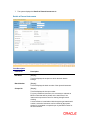
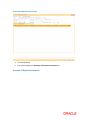
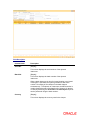
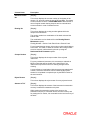
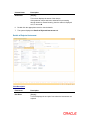
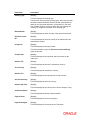
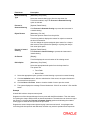
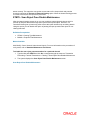
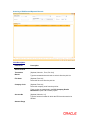
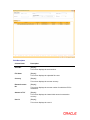
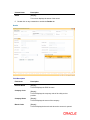
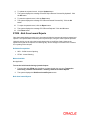
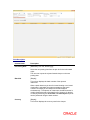
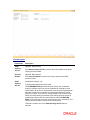
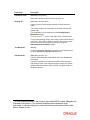
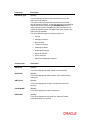
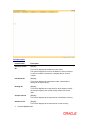
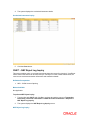
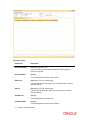
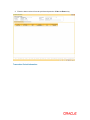
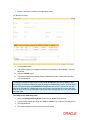
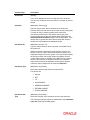
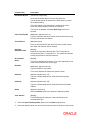
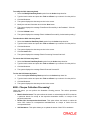
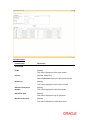
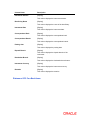
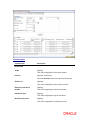
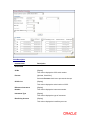
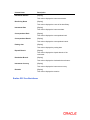
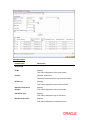
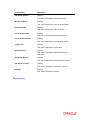
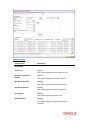
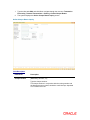
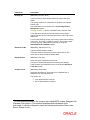
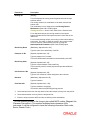
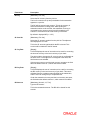
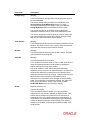
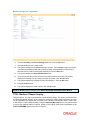
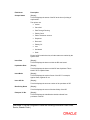
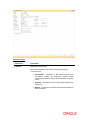
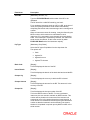
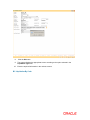
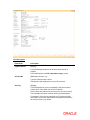
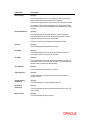
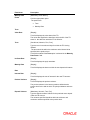
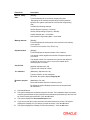
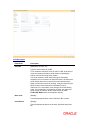
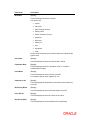
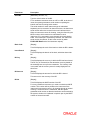
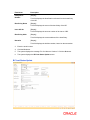
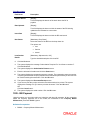
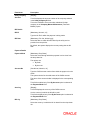
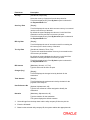
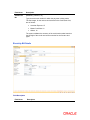
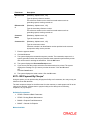
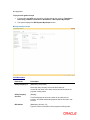
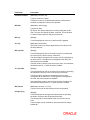
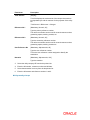
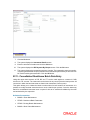
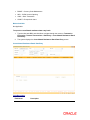
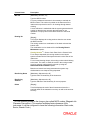
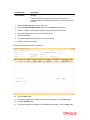
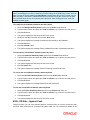
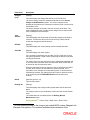
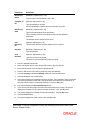
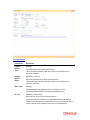
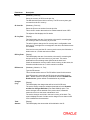
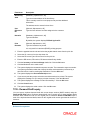
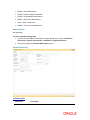
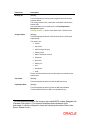
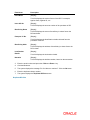
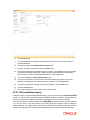
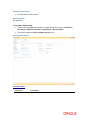
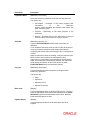
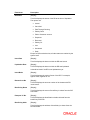
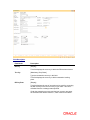
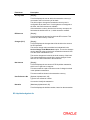
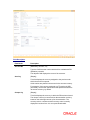
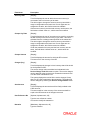
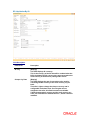
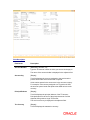
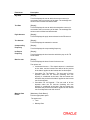
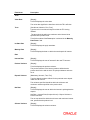
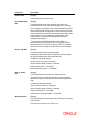
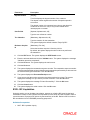
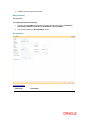
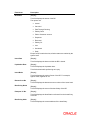
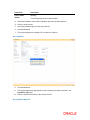
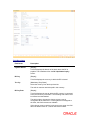
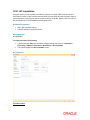
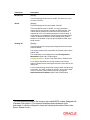
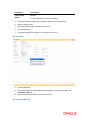
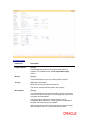
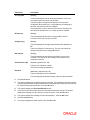
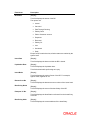
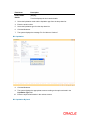
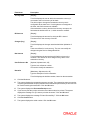
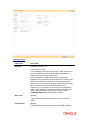
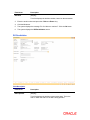
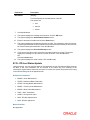
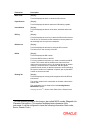
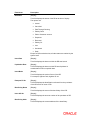
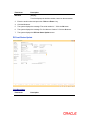
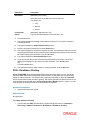
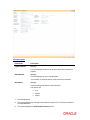
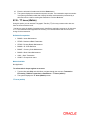
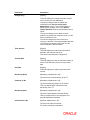
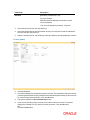
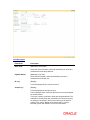
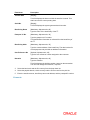
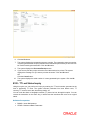
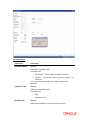
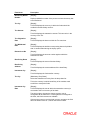
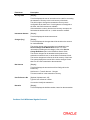
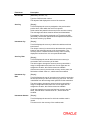
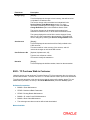
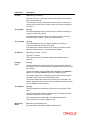
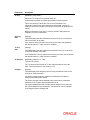
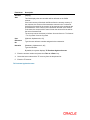
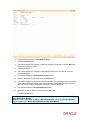
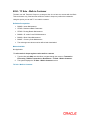
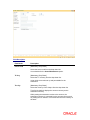
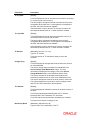
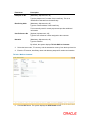
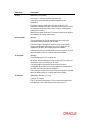
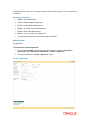
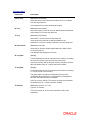
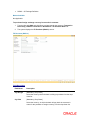
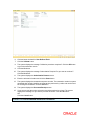
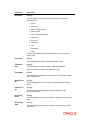
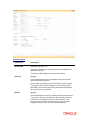
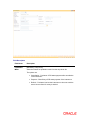
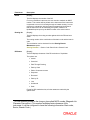
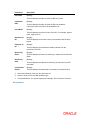
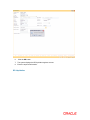
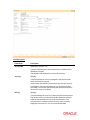
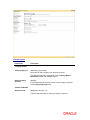
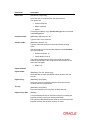
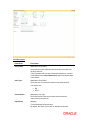
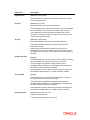
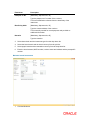
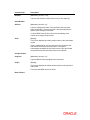
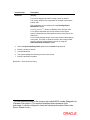
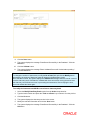
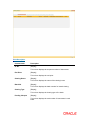
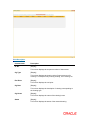
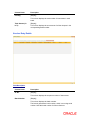
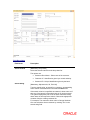
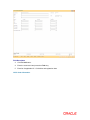
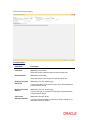
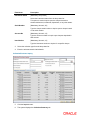
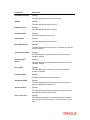
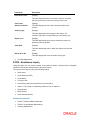
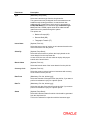
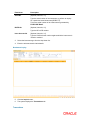
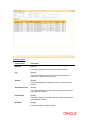
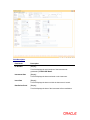
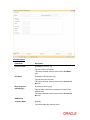
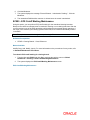
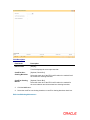
Field Description Field Name Description Payable Branch [Display] This field displays the branch of the bank where the BC is payable. Date Updated [Display] This field displays the date on which the status of the DD is being updated and is defaulted to current date. Issue Date [Display] This field displays the date on which the BC was Issued. New Status [Mandatory, Drop-Down] Select the status of the BC from the drop-down list. The options are: Lost/Caution Details Lost Caution Issued [Mandatory, Alphanumeric, 120] Type the detailed description of the lost BC. 8. Click the Ok button. 9. The system displays the message "Authorization Required. Do You Want to continue?". Click the Ok button. 10. The system displays the Authorization Reason screen. 11. Enter the relevant information and click the Grant button. 12. The system displays the transaction sequence number. The transaction sequence number is system generated that uniquely identifies each transaction performed by a teller and can be used for tracking the transaction. Click the Ok button. 13. The system displays the Document Receipt screen. 14. If you want to print the receipt, select the record that needs to be printed. The system displays the message "Do you want to print the document". Click the Ok button. OR Click the Cancel button. 15. The system displays the serial number. Click the Ok button. 1025 - Bill Payment Using this option you can make credit card, electricity and other bill payments. All the companies where the customer payments are to be routed, are maintained in the Company Master Maintenance (Fast Path: BAM81) option. Definition Prerequisites BAM81 - Company Master Maintenance