1
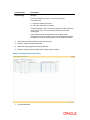
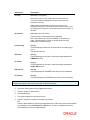
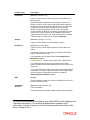
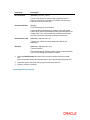
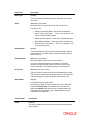
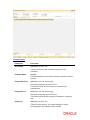
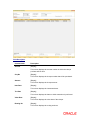
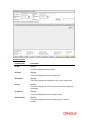
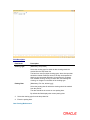
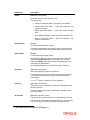
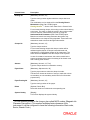
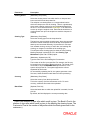
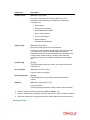
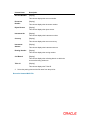
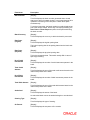
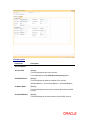
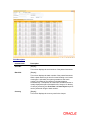
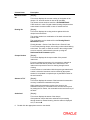
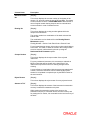
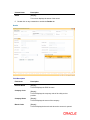
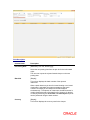
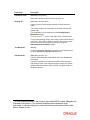
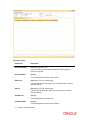
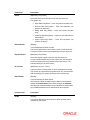
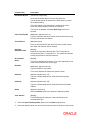
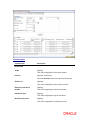
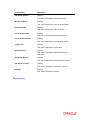
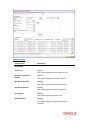
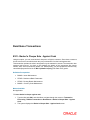
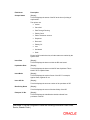
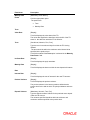
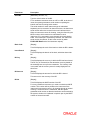
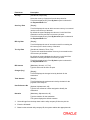
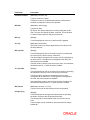
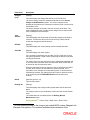
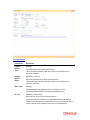
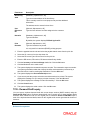
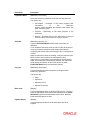
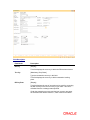
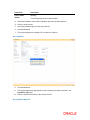
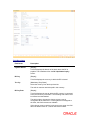
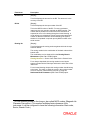
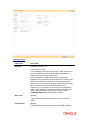
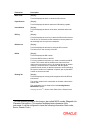
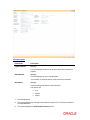
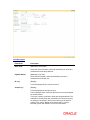
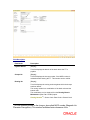
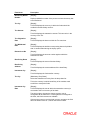
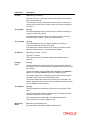
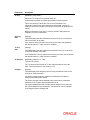
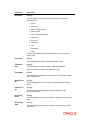
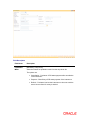
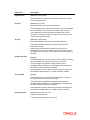
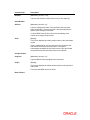
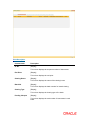
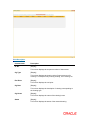
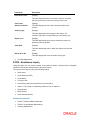
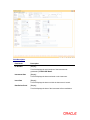
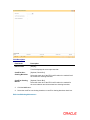
Column Name
Description
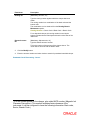
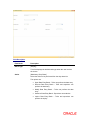
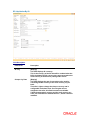
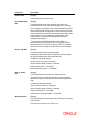
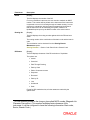
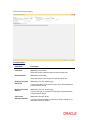
NoInstrs
[Mandatory, Numeric, Five]
Type the total number of instruments, that you are capturing.
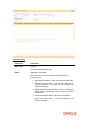
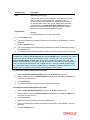
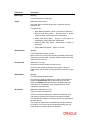
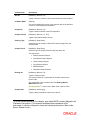
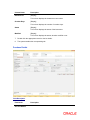
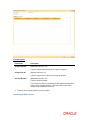
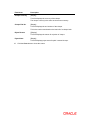
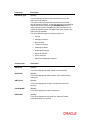
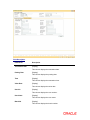
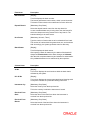
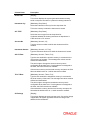
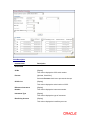
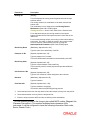
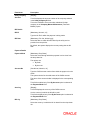
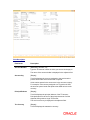
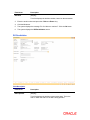
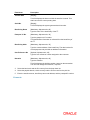
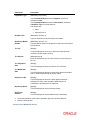
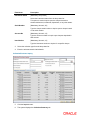
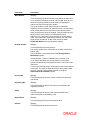
Serial Number
SrlFrom
[Mandatory, Numeric, 12]
Type the valid serial number of an instrument with instrument
status as ISSUED. The serial number is auto-generated by the
system upon issuing an instrument.
If a bulk DD/BC issue is done, this will be the starting serial
number of the range of instruments.
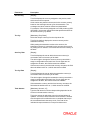
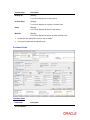
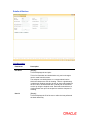
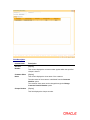
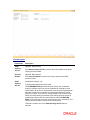
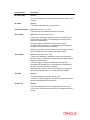
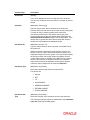
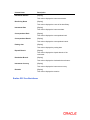
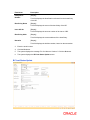
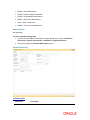
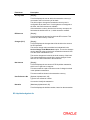
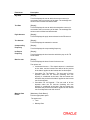
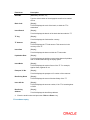
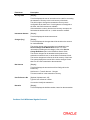
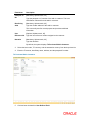
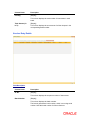
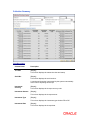
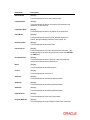
SrlTo
[Display]
This column displays the ending serial number of the instruments
issued.
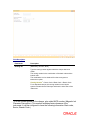
If this is maintained for only one instrument, then both the start
and end serial numbers can be the same. The system
automatically calculates the end serial number, after the number
of instruments and the start serial number are captured.
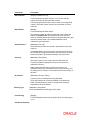
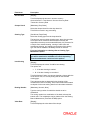
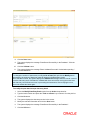
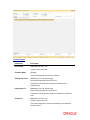
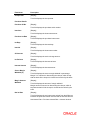
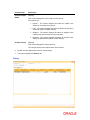
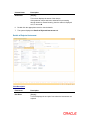
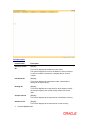
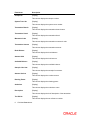
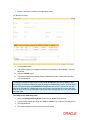
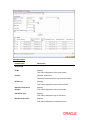
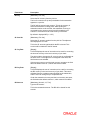
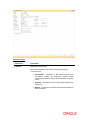
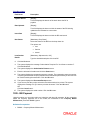
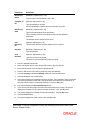
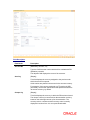
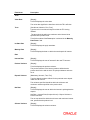
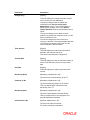
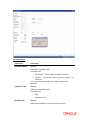
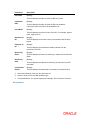
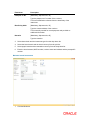
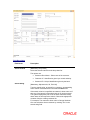
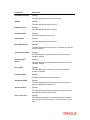
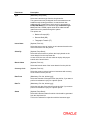
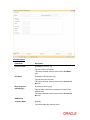
Cheque Number
ChqFrom
[Mandatory, Numeric, 12]
Type the MICR number assigned to the instrument.
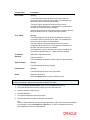
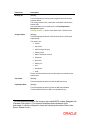
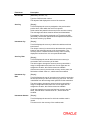
ChqTo
[Display]
This column displays the default number based on the number of
instruments.
This is the last MICR number of series.
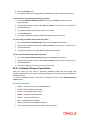
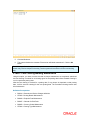
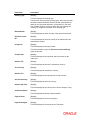
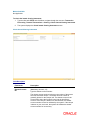
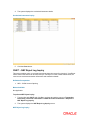
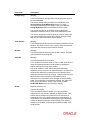
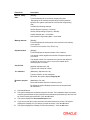
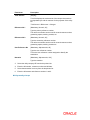
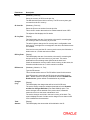
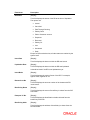
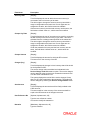
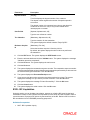
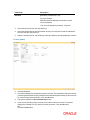
Bank / Branch