1
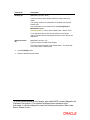
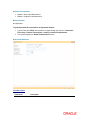
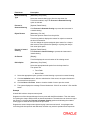
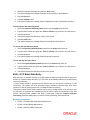
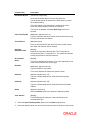
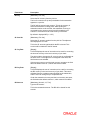
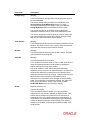
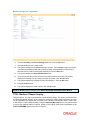
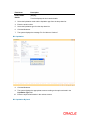
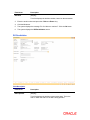
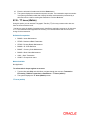
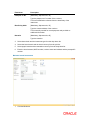
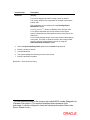
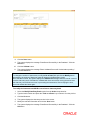
4.
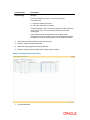
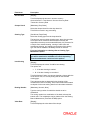
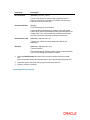
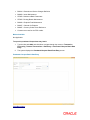
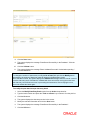
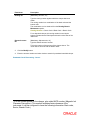
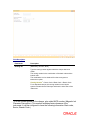
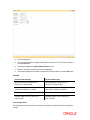
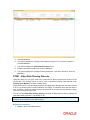
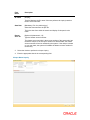
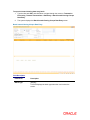
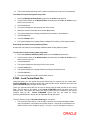
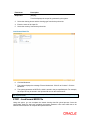
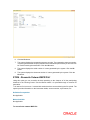
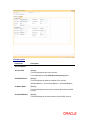
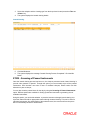
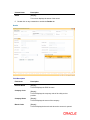
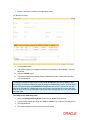
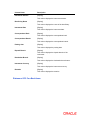
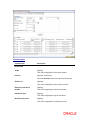
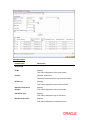
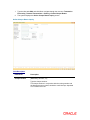
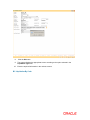
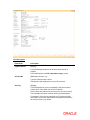
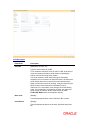
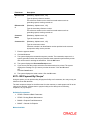
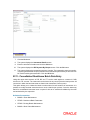
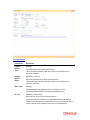
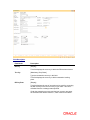
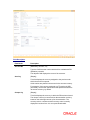
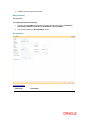
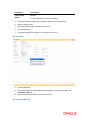
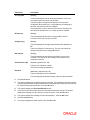
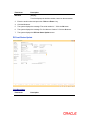
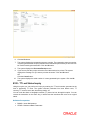
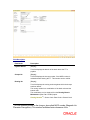
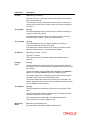
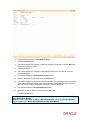
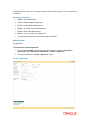
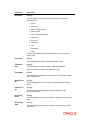
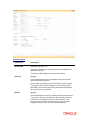
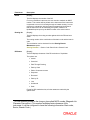
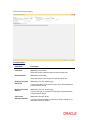
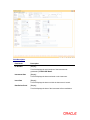
Click the Ok button.
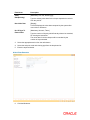
5.
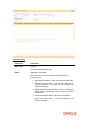
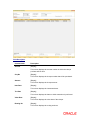
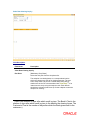
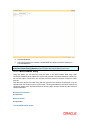
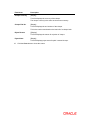
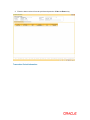
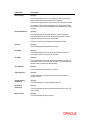
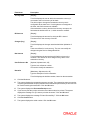
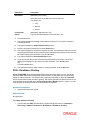
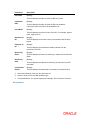
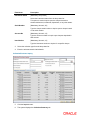
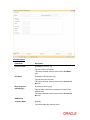
The system displays the message "Record Added...Authorisation Pending..". Click the OK
button.
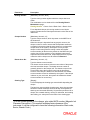
6.
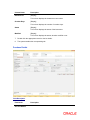
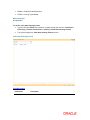
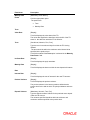
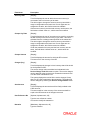
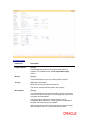
The batch is marked for late clearing by a branch after the record is authorised.
Note: Marking of late clearing by a branch is mandatory, before the outward clearing for that type
can be run. The branch may receive checks on that day, but the system will record them for the
next working day.
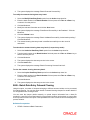
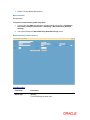
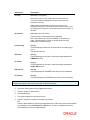
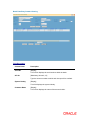
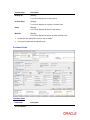
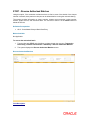
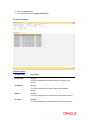
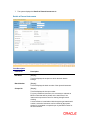
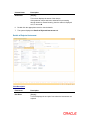
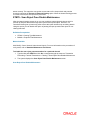
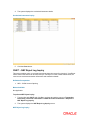
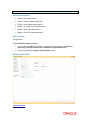
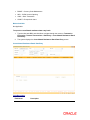
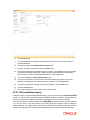
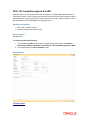
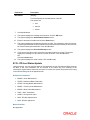
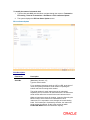
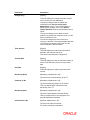
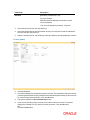
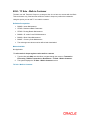
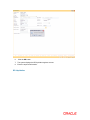
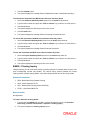
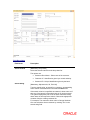
ST023 - Outward Clearing
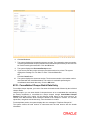
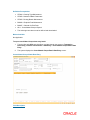
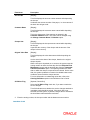
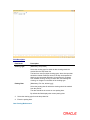
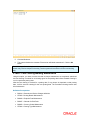
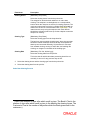
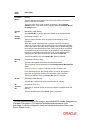
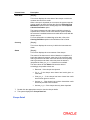
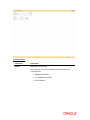
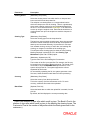
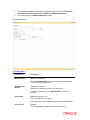
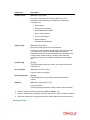
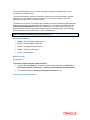
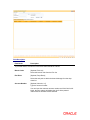
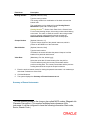
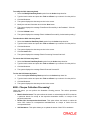
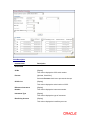
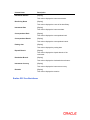
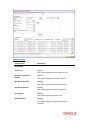
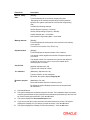
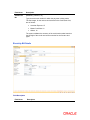
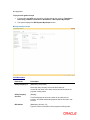
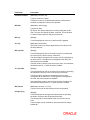
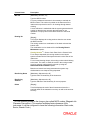
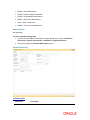
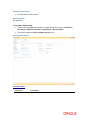
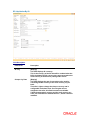
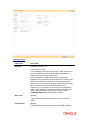
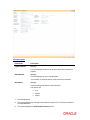
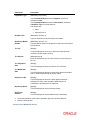
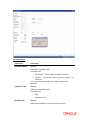
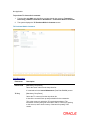
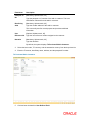
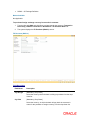
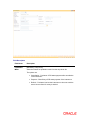
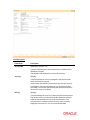
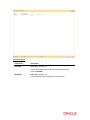
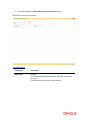
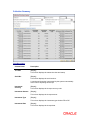
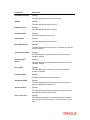
Using this option you can execute the outward clearing process.Outward clearing can be run at
any time of the day.
Late Clearing has to be marked for each branch for each clearing type under the sector since
deposit of cheques for clearing will be continuous. Cheques deposited for clearing after such Late
Clearing mark will be considered deposited for the next working day.
A cheque deposited on an account through the Cheques Deposited On Savings Account (Fast
Path: 6501) option or Consolidated Cheque Batch Data Entry (Fast Path: 6512) option during
the day, updates the unclear balance of the account. Once this is run, the cheques will be
available for marking outward rejects and for float extension.
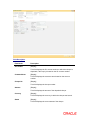
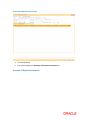
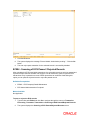
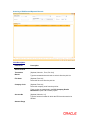
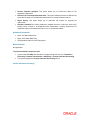
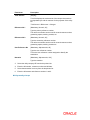
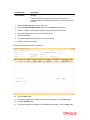
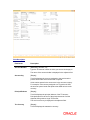
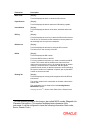
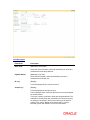
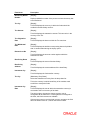
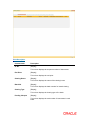
This process has to be run for each clearing type in the End Point. Once the Outward Clearing is
run, all the relevant GLs get updated.
Note: The system automatically authorizes this transaction.
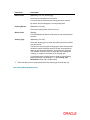
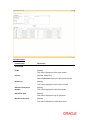
Definition Prerequisites