1
From CD
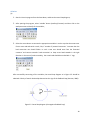
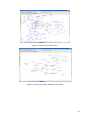
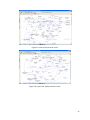
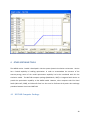
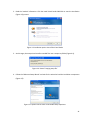
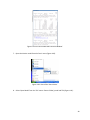
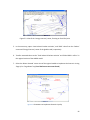
Insert the CD into the computer and follow the installation dialog. If there is any other previous version
of Vensim installed then the user may see the screen as shown in Figure 2.1. If this dialog does not open,
user needs to double click on the program file (setup.exe) on the installation CD.
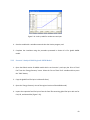
Figure 2.1: Initial Vensim installation screen
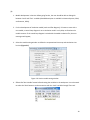
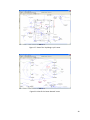
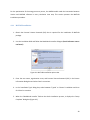
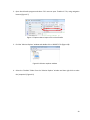
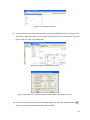
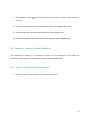
From the Installation Choices dialog, select the program that needs to be installed (Figure 2.2). The
installation starts by clicking on Install a Registered Vensim Application and entering the registration
code.
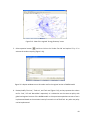
Figure 2.2: Installation choice dialog box
7