1
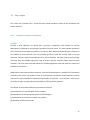
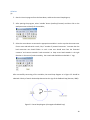
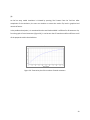
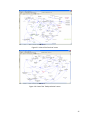
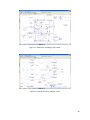
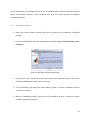
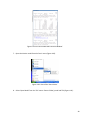
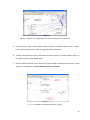
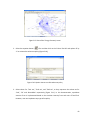
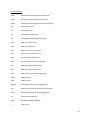
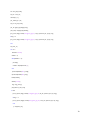
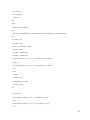
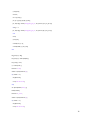
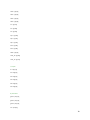
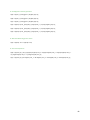
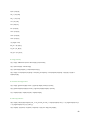
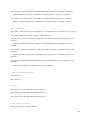
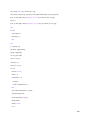
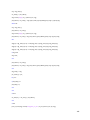
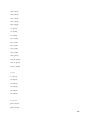
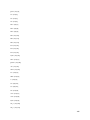
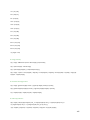
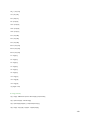
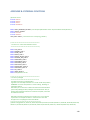
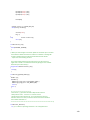
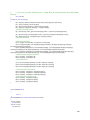
Figure 5.11: Look-up table for carbon tax rate input
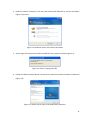
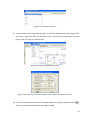
4. Save the model with a suitable name and close the Vensim program; and
5. Complete the simulation using the procedure presented in Section 4.3.2 for global ANEMI
model.
5.3.2
Scenario 3 Analysis With Regional ANEMI Model
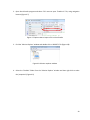
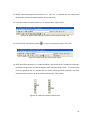
1. Open the Global version of ANEMI model which runs Scenario 3, and copy the ‘Price of Fossil
Fuel’ from the ‘Energy-Economy’ sector. Select the ‘Price of Fossil Fuel’ variable and then press
the ‘Table’ button;
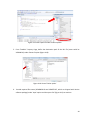
2. Copy the global fossil fuel price in Microsoft Excel;
3. Open the ‘Energy-Economy’ view of the regional version of the ANEMI model;
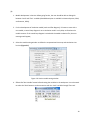
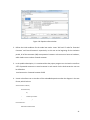
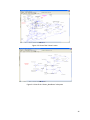
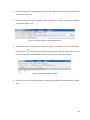
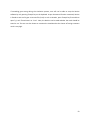
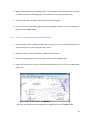
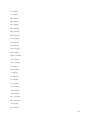
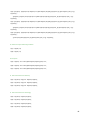
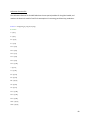
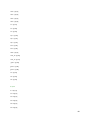
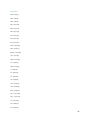
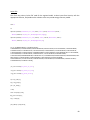
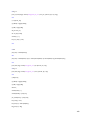
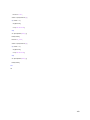
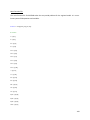
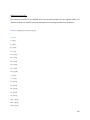
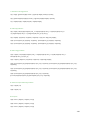
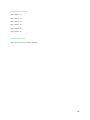
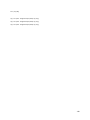
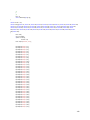
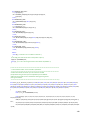
4. Import the respective fossil fuel price from the Excel file containing global fuel price with tax for
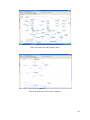
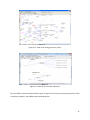
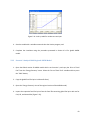
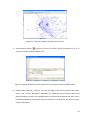
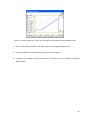
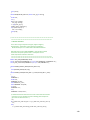
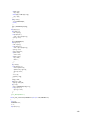
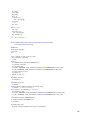
Coal, Oil, and NaturalGas (Figure 5.12);
63