1
5 SIMULATIONS OF POLICY SCENARIOS
5.1 Scenario 1 – Increase in Water Use
The introduction of Scenario 1 is presented in Section 3.3.1 of this Manual. Here we present the
procedure for implementing Scenario 1 in ANEMI simulations.
5.1.1
Scenario 1 Analysis With Global ANEMI Model
1. Open the ANEMI model (Global_model.mdl) using Vensim software;
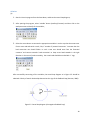
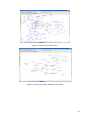
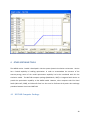
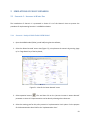
2. Select the ‘Water Demand’ sector view (Figure 5.1), to implement the scenario by pressing ‘page
up’ or ‘Page Down’ key of the key board;
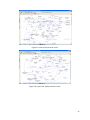
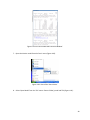
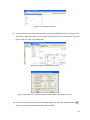
Figure 5.1: View of the ‘water demand’ sector
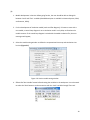
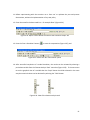
3. Select equation button (
) first and then click on the ‘percent increase in water demand’
parameter to insert 15. Experimentation can be done by selecting other values too.
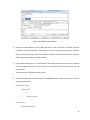
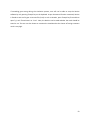
4. Select the starting year for this policy scenario in ‘Implementation Year’ option. For the purpose
of this demonstration select 2015 as the ‘Implementation Year’.
54