1
DDE
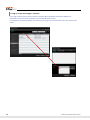
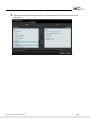
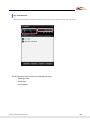
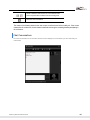
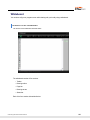
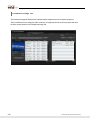
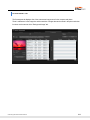
The DDE function is when the OSC receives a call, the DDE program (e.g. Goldmine) that interoperates with it
displays the information for the received phone number to the user.
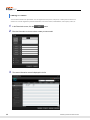
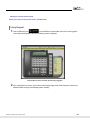
Initializing the DDE Function
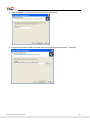
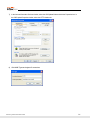
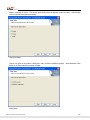
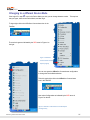
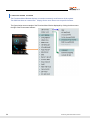
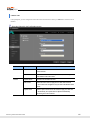
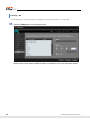
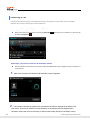
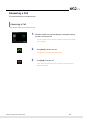
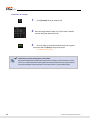
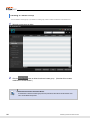
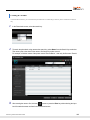
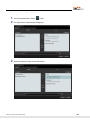
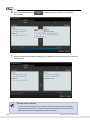
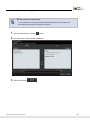
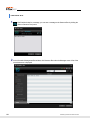
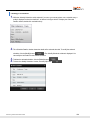
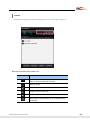
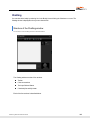
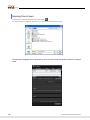
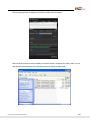
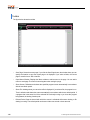
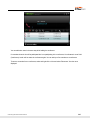
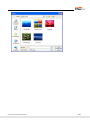
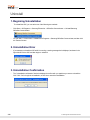
1. Select DDE -> Initialize DDE from the system tray menu.
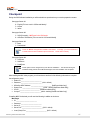
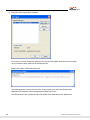
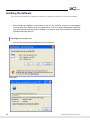
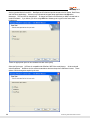
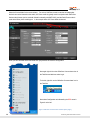
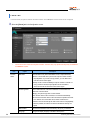
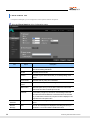
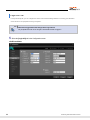
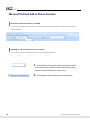
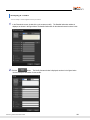
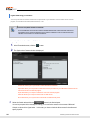
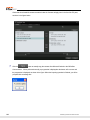
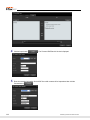
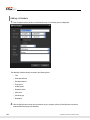
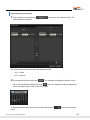
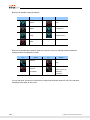
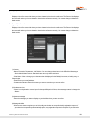
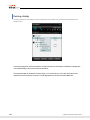
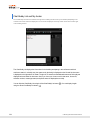
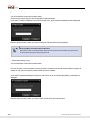
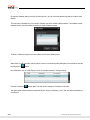
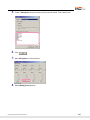
2. A configuration window where the user can enter the information required for DDE initialization is
displayed. However, the information that must be entered differs according to the program type
("Goldmine" or "Other") selected in the DDE program section of the Configuration menu screen.
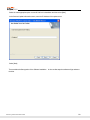
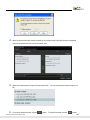
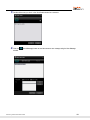
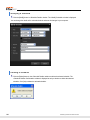
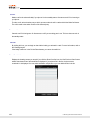
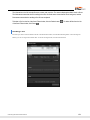
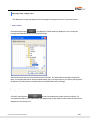
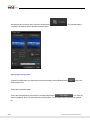
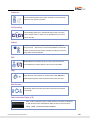
You must enter the ID and password registered
when installing the Goldmine program. They are
required to run the Goldmine program.
-
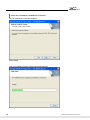
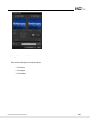
When set to "Goldmine"
© Samsung Telecommunications America
143