1
TK-850/JH3E+NET User’s Manual
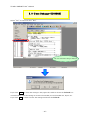
3.
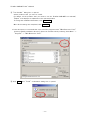
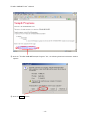
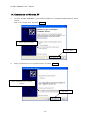
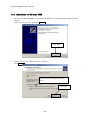
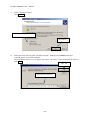
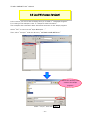
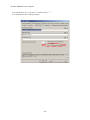
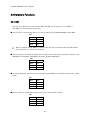
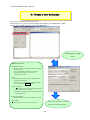
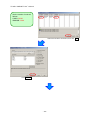
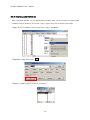
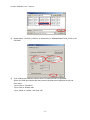
Select "Specify a location".
Click Next > .
Select "Specify a location"
Click "Next"
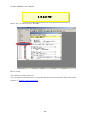
4.
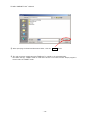
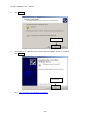
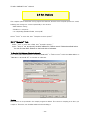
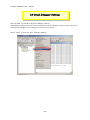
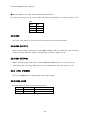
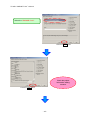
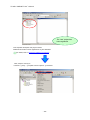
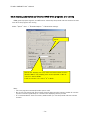
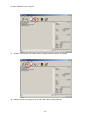
Select the driver directory path. The path should be "C:\Program Files\NEC Electronics
Tools\TK-driver" as default installation.
If the installation directory is not default, then select "TK-driver" under the installation directory.
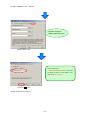
Click OK .
Click "OK"
Select the driver directory
- 23 -