1
Backups
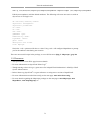
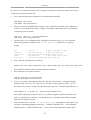
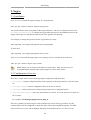
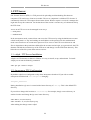
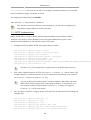
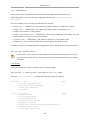
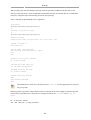
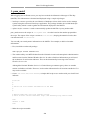
When using a tape drive the filename portions of the script aren't needed because the date is sent
directly to the tape device. Some commands to manipulate the tape are needed. This is accomplished
using mt, a magnetic tape control utility part of the cpio package.
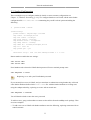
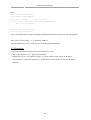
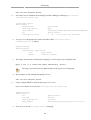
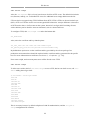
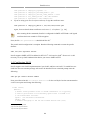
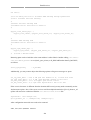
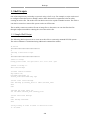
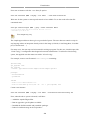
Here is the shell script modified to use a tape drive:
#!/bin/bash
####################################
#
# Backup to tape drive script.
#
####################################
# What to backup.
backup_files="/home /var/spool/mail /etc /root /boot /opt"
# Where to backup to.
dest="/dev/st0"
# Print start status message.
echo "Backing up $backup_files to $dest"
date
echo
# Make sure the tape is rewound.
mt -f $dest rewind
# Backup the files using tar.
tar czf $dest $backup_files
# Rewind and eject the tape.
mt -f $dest rewoffl
# Print end status message.
echo
echo "Backup finished"
date
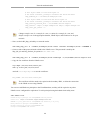
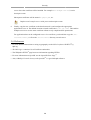
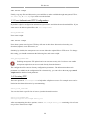
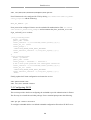
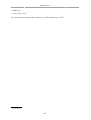
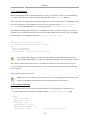
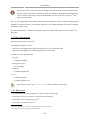
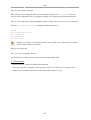
The default device name for a SCSI tape drive is /dev/st0. Use the appropriate device path
for your system.
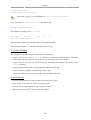
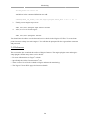
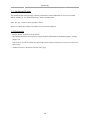
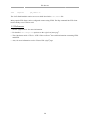
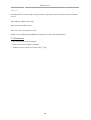
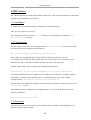
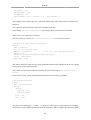
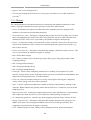
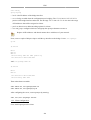
Restoring from a tape drive is basically the same as restoring from a file. Simply rewind the tape and
use the device path instead of a file path. For example to restore the /etc/hosts file to /tmp/etc/
hosts:
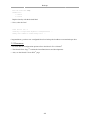
mt -f /dev/st0 rewind
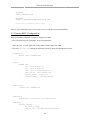
tar -xzf /dev/st0 -C /tmp etc/hosts
250