1
Backups
3.3. Configuration
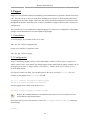
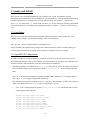
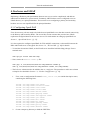
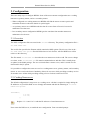
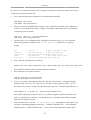
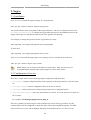
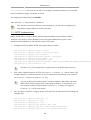
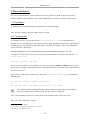
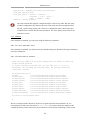
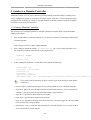
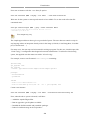
Bacula configuration files are formatted based on resources comprising of directives surrounded by
“{}” braces. Each Bacula component has an individual file in the /etc/bacula directory.
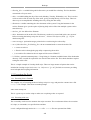
The various Bacula components must authorize themselves to each other. This is accomplished using
the password directive. For example, the Storage resource password in the /etc/bacula/baculadir.conf file must match the Director resource password in /etc/bacula/bacula-sd.conf.
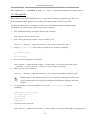
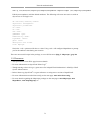
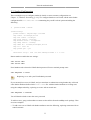
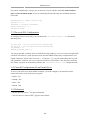
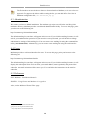
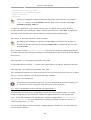
By default the backup job named Client1 is configured to archive the Bacula Catalog. If you plan on
using the server to backup more than one client you should change the name of this job to something
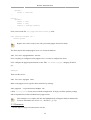
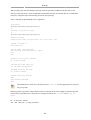
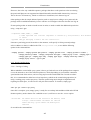
more descriptive. To change the name edit /etc/bacula/bacula-dir.conf:
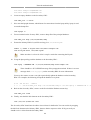
#
# Define the main nightly save backup job
#
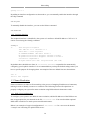
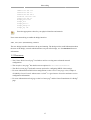
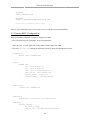
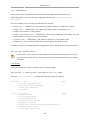
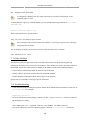
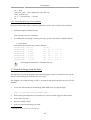
By default, this job will back up to disk in
Job {
Name = "BackupServer"
JobDefs = "DefaultJob"
Write Bootstrap = "/var/lib/bacula/Client1.bsr"
}
The example above changes the job name to BackupServer matching the machine's host
name. Replace “BackupServer” with your appropriate hostname, or other descriptive name.
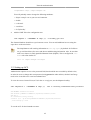
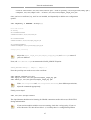
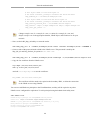
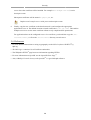
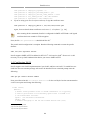
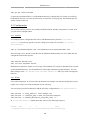
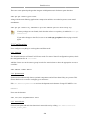
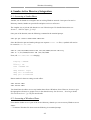
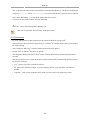
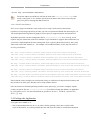
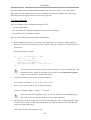
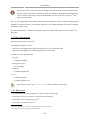
The Console can be used to query the Director about jobs, but to use the Console with a non-root
user, the user needs to be in the bacula group. To add a user to the bacula group enter the following
from a terminal:
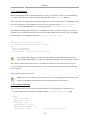
sudo adduser $username bacula
Replace $username with the actual username. Also, if you are adding the current user to the
group you should log out and back in for the new permissions to take effect.
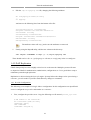
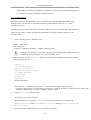
3.4. Localhost Backup
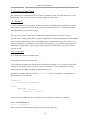
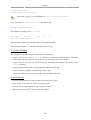
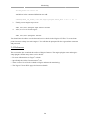
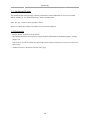
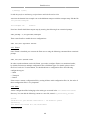
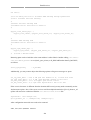
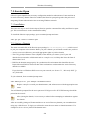
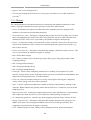
This section describes how to backup specified directories on a single host to a local tape drive.
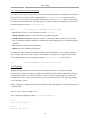
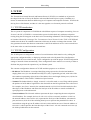
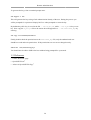
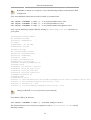
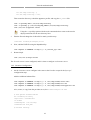
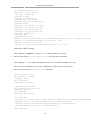
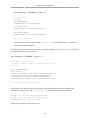
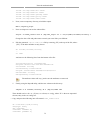
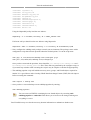
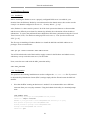
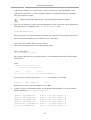
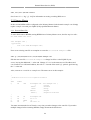
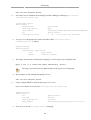
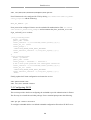
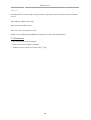
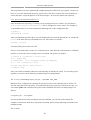
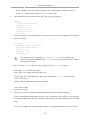
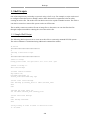
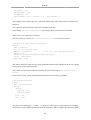
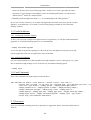
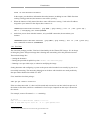
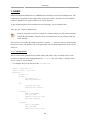
• First, the Storage device needs to be configured. Edit /etc/bacula/bacula-sd.conf add:
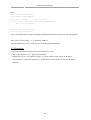
Device {
Name = "Tape Drive"
Device Type = tape
Media Type = DDS-4
Archive Device = /dev/st0
Hardware end of medium = No;
AutomaticMount = yes;
# when device opened, read it
252