1
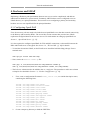
LAMP Applications
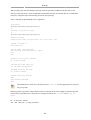
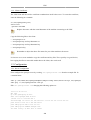
Once you have configured MoinMoin to find your first Wiki application mywiki, you should configure
apache2 and make it ready for your Wiki application.
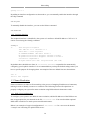
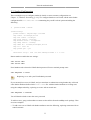
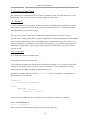
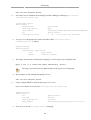
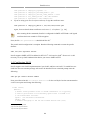
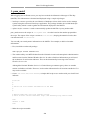
You should add the following lines in /etc/apache2/sites-available/default file inside the
“<VirtualHost *>” tag:
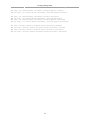
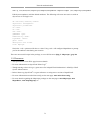
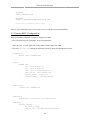
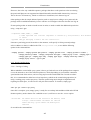
### moin
ScriptAlias /mywiki "/usr/share/moin/mywiki/moin.cgi"
alias /moin_static184 "/usr/share/moin/htdocs"
<Directory /usr/share/moin/htdocs>
Order allow,deny
allow from all
</Directory>
### end moin
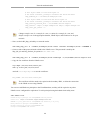
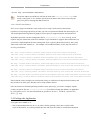
Adjust the "moin_static184" in the alias line above, to the moinmoin version installed.
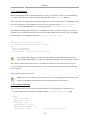
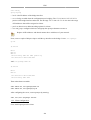
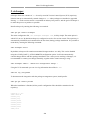
Once you configure the apache2 web server and make it ready for your Wiki application, you should
restart it. You can run the following command to restart the apache2 web server:
sudo /etc/init.d/apache2 restart
2.3. Verification
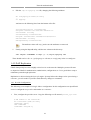
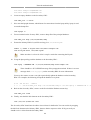
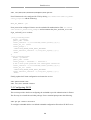
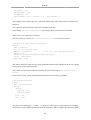
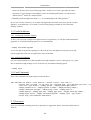
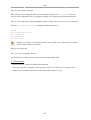
You can verify the Wiki application and see if it works by pointing your web browser to the following
URL:
http://localhost/mywiki
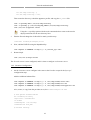
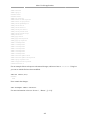
You can also run the test command by pointing your web browser to the following URL:
http://localhost/mywiki?action=test
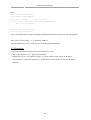
For more details, please refer to the MoinMoin1 web site.
2.4. References
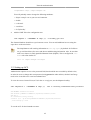
• For more information see the moinmoin Wiki2.
• Also, see the Ubuntu Wiki MoinMoin3 page.
1
http://moinmo.in/
165