1
[BIS USER’S MANUAL]
Data Transforms: Selecting a Transform for the Report
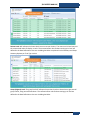
Data Transforms can be added to each report. Before the user can add Transforms to the Report, the
Report must be generated at least one time. Once there is Data displayed in the Report Data Panel, the
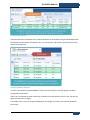
user can add a Transform, re-generate, and Run Analysis Tools on the new Data.
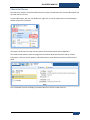
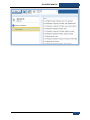
Transform Algorithms can be added and customized by the customer. For the BIS manual, a Molecular
Transform will be referenced.
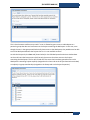
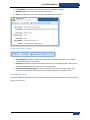
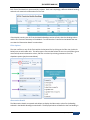
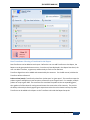
Probe to Gene (mean): Transform the data from ‘probe space’ to ‘gene space’. This transform maps the
probes to genes and applies a mean function to summarize up to the gene level. For example, multiple
probes can map to gene ‘ABC’. The transform first translates the probes to the corresponding genes,
then gathers all of the values for each gene and returns the mean value of the intensity. The result is
the ability to do analysis directly against gene expressions rather than the relative intensity of probes.
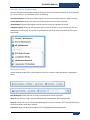
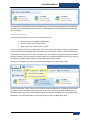
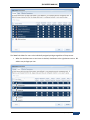
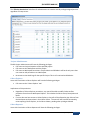
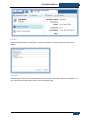
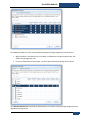
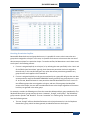
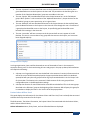
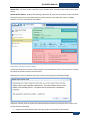
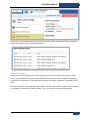
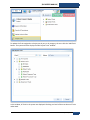
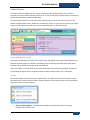
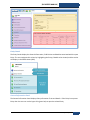
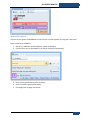
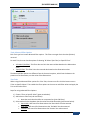
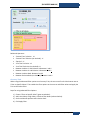
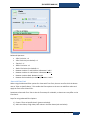
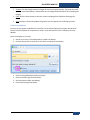
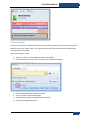
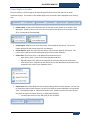
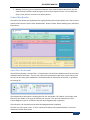
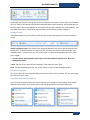
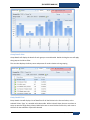
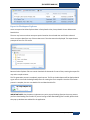
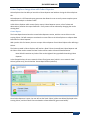
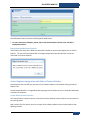
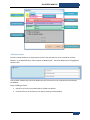
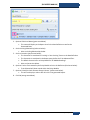
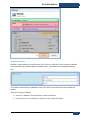
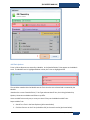
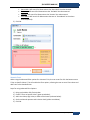
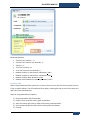
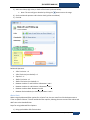
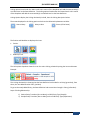
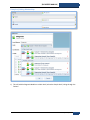
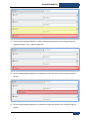
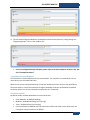
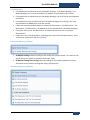
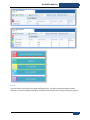
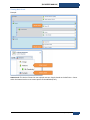
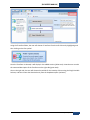
Transforms can be added to the Report on the Transforms tab inside the Report Setup tab.
TransMed Systems, Inc.
209