1
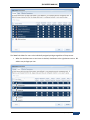
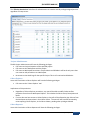
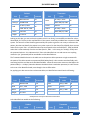
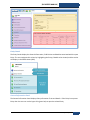
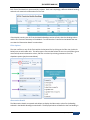
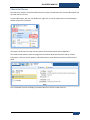
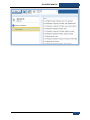
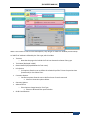
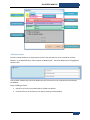
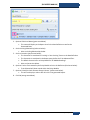
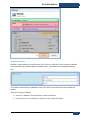
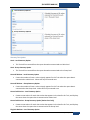
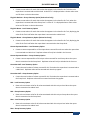
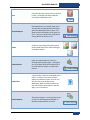
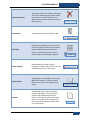
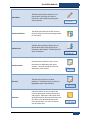
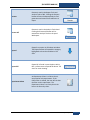
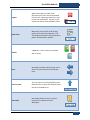
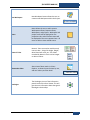
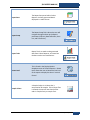
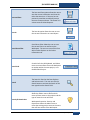
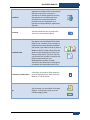
[BIS USER’S MANUAL] Summary Descriptions Omit – Level Summary Option This Trait will be removed from the report data when summarized to a Main level. Omit - Group Summary Option This Trait will be removed from the report data when summarized to the Group level. Count All Distinct – Level Summary Option Counts the number of times a value uniquely appears for this Trait when the report data is summarized to a Main level. Values will only be counted once. Count All Distinct – Group Summary Option Counts the number of times a value uniquely appears for this Trait when the report data is summarized to the Group level. Values will only be counted once. Count Each Distinct – Level Summary Option Creates a new column for each choice value that appears in the data for this Trait, and displays the count when the report data is summarized to a Main level. Count Each Distinct – Group Summary Option (Patient level only) Creates a new column for each choice value that appears in the data for this Trait, and displays the count when the report data is summarized to the Group level. Flag Each Boolean – Level Summary Option TransMed Systems, Inc. 196