1
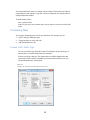
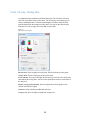
Legends Dialog Box
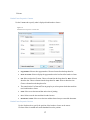
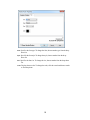
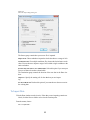
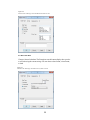
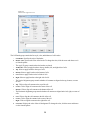
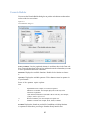
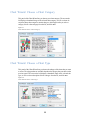
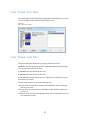
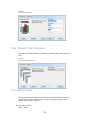
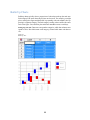
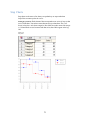
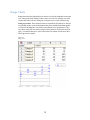
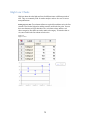
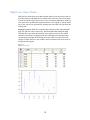
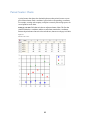
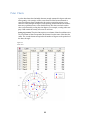
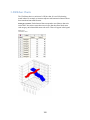
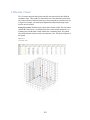
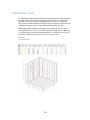
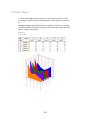
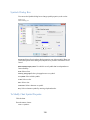
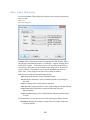
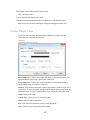
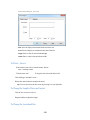
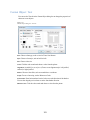
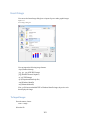
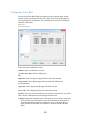
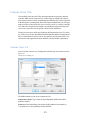
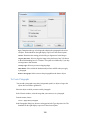
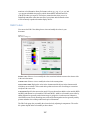
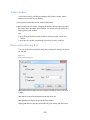
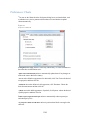
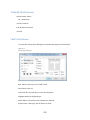
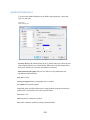
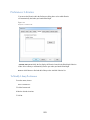
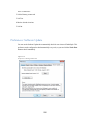
The Legends dialog box lets you change legend properties, such as symbol size.
Figure 12-3
Legends dialog box
Show. Check to display legend(s) and uncheck to hide legend(s). Some legends are
available only for certain chart types.
Reverse order. Select to reverse the display order of the items in the legend. This
setting does not change the order of the data.
Width. Enter a size for the width of the legend symbol.
Height. Enter a size for the height of the legend symbol.
To Modify Legend Properties
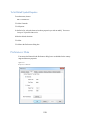
You can use the Legends dialog box to change the order of the legend items or the size
of the symbols.
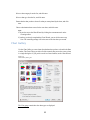
Select the chart.
From the menus, choose:
Chart -> Legend…
To Format the Legend Appearance
140