1
5-2. Archiving and backup VIDEO in Playback mode
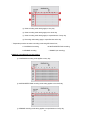
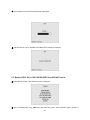
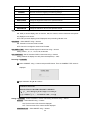
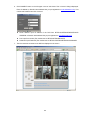
① Connect a USB flash drive to the USB terminal.
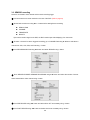
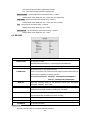
② Press SEARCH button and go to the video to be backed up.
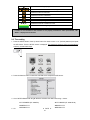
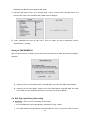
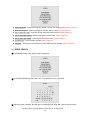
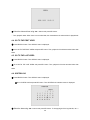
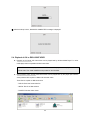
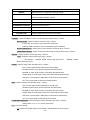
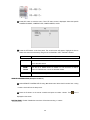
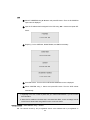
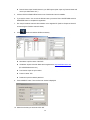
③ Press CAPTURE button at the scene of video to be backed up. Then SELECT BACKUP FILE TYPE
screen is displayed. Select a file type from JPEG, AVI, or EXCLUSIVE VIDEO using
▶◀
buttons and
press SEL button. Then DURATION screen is displayed.
When JPEG IMAGE is selected, please take the same backup procedure as 5-1. ③
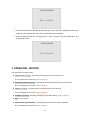
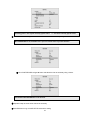
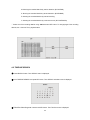
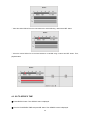
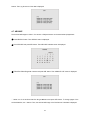
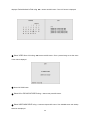
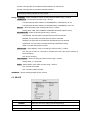
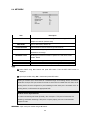
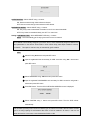
⑤ Set the duration to be archived and backed up from the scene of video using ▲▼ buttons and press
SEL button.
40