1
OpenVMS Cluster Considerations
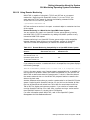
22.3 Using SHOW CLUSTER
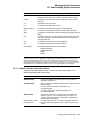
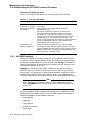
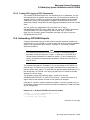
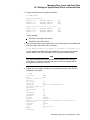
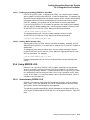
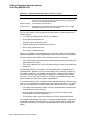
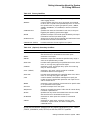
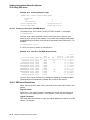
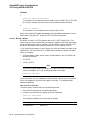
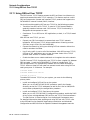
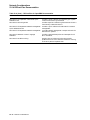
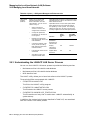
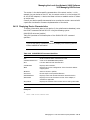
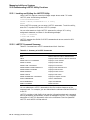
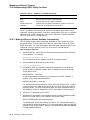
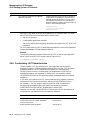
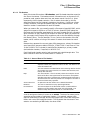
This command redefines the arrow keys as follows:
Arrow Key
Redefinition
UP ARROW KEY
SCROLL UP 1
DOWN ARROW KEY
SCROLL DOWN 1
!
SCROLL RIGHT 1
SCROLL LEFT 1
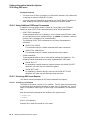
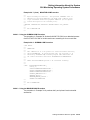
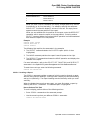
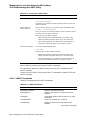
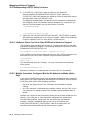
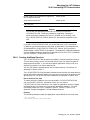
Example
Command> SELECT SCS
Command> SET FUNCTION SCROLL
The commands in this example first select the SCS report (which is then
highlighted), and then set the arrow keys to scroll functions. Refer to the SET
FUNCTION and SCROLL commands in the OpenVMS System Management
Utilities Reference Manual for more information.
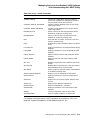
To reset the arrow keys, enter the following command:
Command> SET FUNCTION EDIT
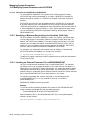
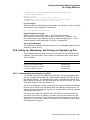
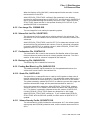
22.3.6 Creating a Startup Initialization File
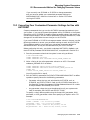
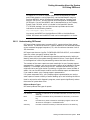
To customize the SHOW CLUSTER display, you can create a startup initialization
file, which the utility executes when you enter it. SHOW CLUSTER takes the
original default display, and adds or removes whatever classes or fields you
specify. The resulting display becomes your default startup format. A startup
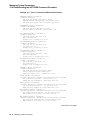
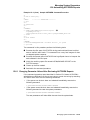
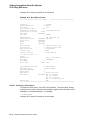
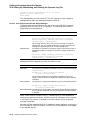
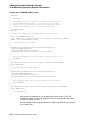
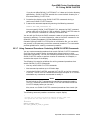
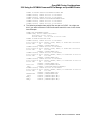
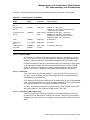
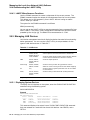
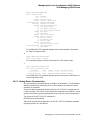
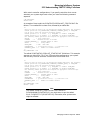
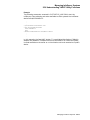
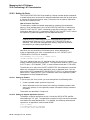
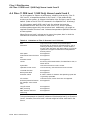
initialization file resembles the following example:
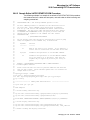
!
!Startup Initialization File
!
!
INITIALIZE
REMOVE MEMBERS
ADD RP_REVISION,RP_TYPE,SYS_ID
SET SCREEN=132
This startup procedure deletes the MEMBERS class information from the default
display. The procedure also adds the RP_REVISION and RP_TYPE fields from
the CIRCUITS class and the SYS_ID field from the SYSTEMS class. The last
line of the procedure sets the screen size to 132 columns.
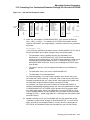
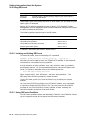
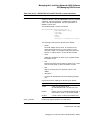
How to Perform This Task
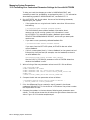
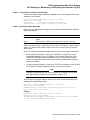
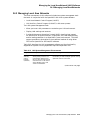
To create an initialization file, follow these steps:
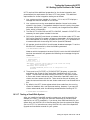
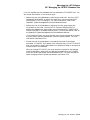
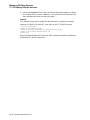
1. Define the logical name SHOW_CLUSTER$INIT as device:[directory]SHCINI
before invoking SHOW CLUSTER.
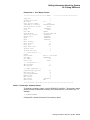
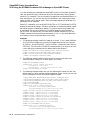
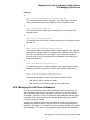
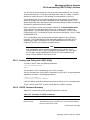
For a startup file to execute before the display begins, you must assign the
logical name SHOW_CLUSTER$INIT to the initialization file; for example:
DEFINE SHOW_CLUSTER$INIT DEVA:[JONES]SHCINI
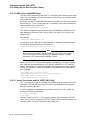
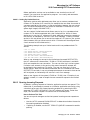
When invoked, SHOW CLUSTER searches for the file defined by
SHOW_CLUSTER$INIT. In this example, SHOW CLUSTER looks for
DEVA:[JONES]SHCINI.INI when it starts up. If the initialization file is
found, SHOW CLUSTER executes the procedure before beginning the display.
22–14 OpenVMS Cluster Considerations