1
I
6
0
6.7
PROFINET Operating Behavior
PROFINET alarms using the example of MOVIDRIVE® B
PROFINET alarms using the example of MOVIDRIVE® B
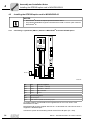
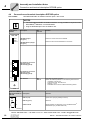
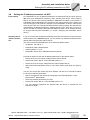
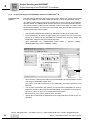
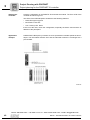
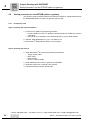
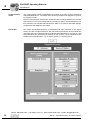
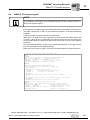
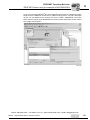
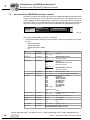
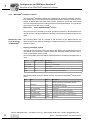
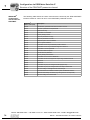
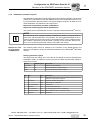
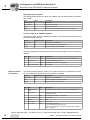
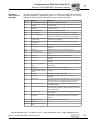
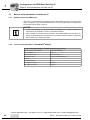
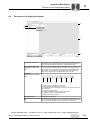
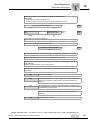
The DFE32B supports diagnostics alarms in case of a unit error. These diagnostic
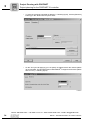
alarms are switched off at the factory. Proceed as follows to enable the diagnostics
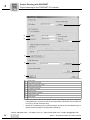
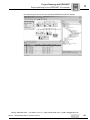
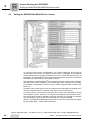
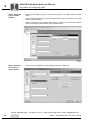
alarms in STEP 7 HWKONFIG (→ following figure).
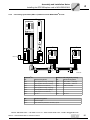
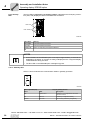
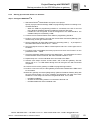
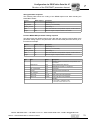
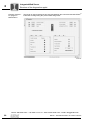
62269AEN
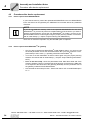
Diagnostics
alarm of the
MOVIDRIVE®
•
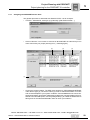
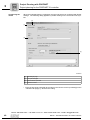
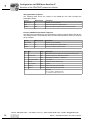
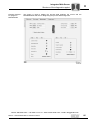
Select slot 2 of DFE32B.
•
Press the right mouse button and select [Object properties] or double-click on the
slot. The "DFE32B properties" window opens.
•
Select the "Parameters" tab.
•
Set the diagnostics alarm to "ON" and confirm with [OK]
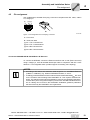
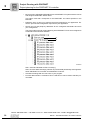
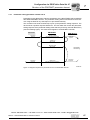
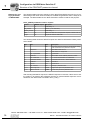
In case of an error of the MOVIDRIVE®, a diagnostics alarm is generated and you
can read the error message of the MOVIDRIVE® in plain text.
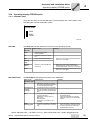
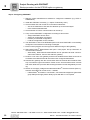
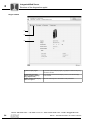
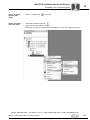
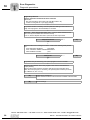
Diagnostics
alarm of the integrated switch
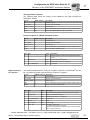
•
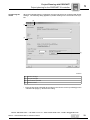
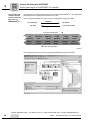
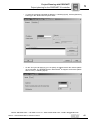
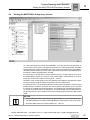
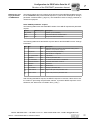
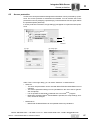
Select slot 0 of DFE32B.
•
Press the right mouse button and select [Object properties] or double-click on the
slot. The "DFE32B properties" window opens.
•
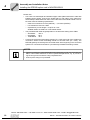
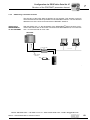
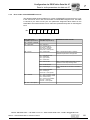
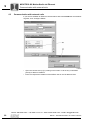
Select the "Parameters" tab. Set "Alarm Port 1" or "Alarm Port 2" to "ON" and confirm
with [OK]. In a line topology, the respective port of the Ethernet node must be monitored that leads to the subsequent Ethernet node (coming from the PLC).
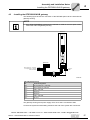
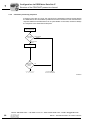
The DFE32B uses this setting to monitor the unit communication with adjacent
nodes. A diagnostics alarm is generated if the DFE32B detects an inactive partner at
port 1 or 2.
Phone: 800.894.0412 - Fax: 888.723.4773 - Web: www.clrwtr.com - Email: [email protected]
62
Manual – DFE32B PROFINET IO Fieldbus Interface