1
Activity Bars & Milestones
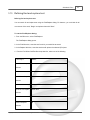
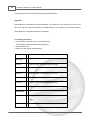
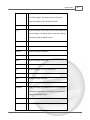
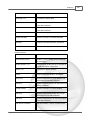
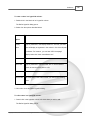
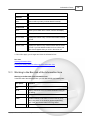
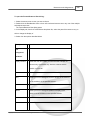
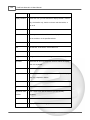
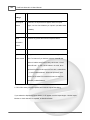
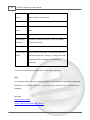
Before
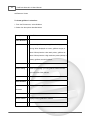
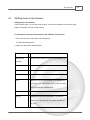
te
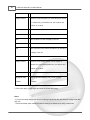
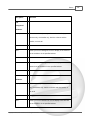
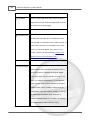
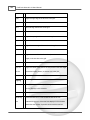
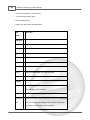
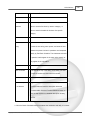
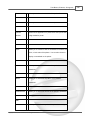
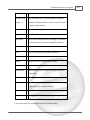
Date you specify. If necessary, it may end earlier.
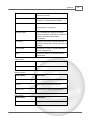
Must Start On
Hard
The activity will only begin on the specified Constraint Date.
Must Finish
Hard
The activity will only end on the specified Constraint Date.
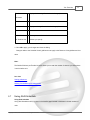
153
On
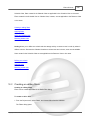
See also:
Working with bars and milestones
Formatting a bar style
Setting bar constraints
Showing data columns
9.12
Setting bar constraints
Setting bar constraints
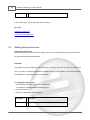
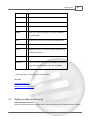
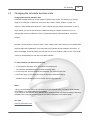
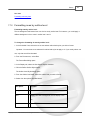
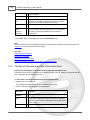
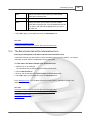
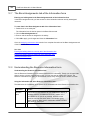
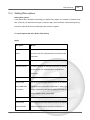
Constraints are the parameters you can assign to activities to control how much or how little slippage
you will allow in their Start Dates and Times.
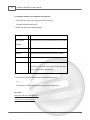
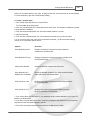
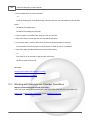
To set constraints on an activity:
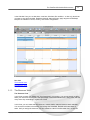
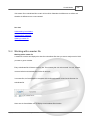
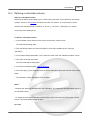
1. Double-click on the activity bar or milestone.
The Information form opens to the Bars>Tracking tab.
2. From the Constraint Type drop-down list, select the desired constraint type.
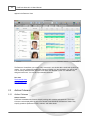
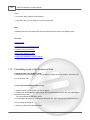
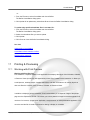
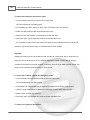
-or1. Insert the Constraint Type, Constraint Date and, if needed Constraint Time columns into your
schedule.
2. Enter the appropriate data into the Constraint Date and/or Constraint Time column.
3. Click in the Constraint Type column and use the drop-down indicator to select the desired
constraint type.
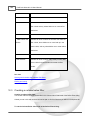
See also:
Working with bars and milestones
Formatting a bar style
Understanding constraints
Copyright © 2010, AEC Software, Inc. All rights reserved.