1
Digital Projection M-Vision
Cine LED User Manual
4. Controlling the projector
Advanced menu continued
Notes
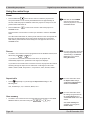
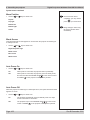
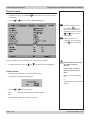
RGB Adjust
•
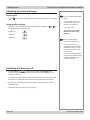
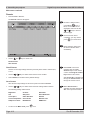
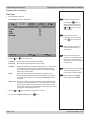
Press ENTER or SELECT.
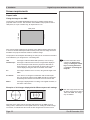
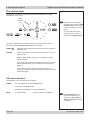
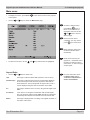
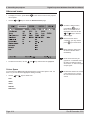
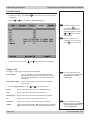
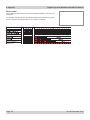
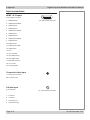
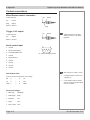
The RGB Adjust submenu will appear:
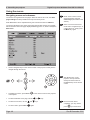
To select a different menu,
press MENU
once or
twice, so that no items are
highlighted, then use the the
and
keys to select a
different page.
To exit from the menus
completely, you may need to
press
up to three times.
Image changes made using
the menus will take effect
immediately.
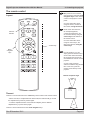
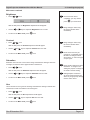
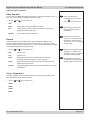
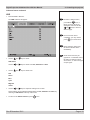
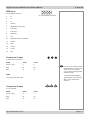
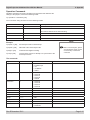
Use the Gain controls to correct color imbalances in the bright areas of the image.
Use the Offset controls in the RGB Adjust sub-menu to correct color imbalances in
the dark areas of the image.
•
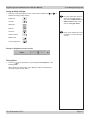
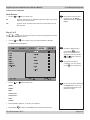
Use the
and
keys to select from:
Some menu items may be
greyed out - unavailable due to
the effect of settings made in
other menus, or due to the type
of input signal.
A good way to carry out this
adjustment is to use the
chequerboard test pattern.
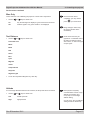
Red Offset
Blue Offset
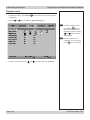
RGB settings are interactive
- a change in one setting may
require a change to be made in
the other.
Green Offset
Red Gain
Blue Gain
Green Gain
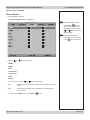
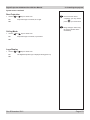
Offsets
•
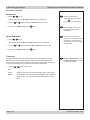
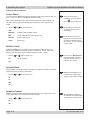
Use the
and
keys to adjust the Offset from 0 to 200.
and
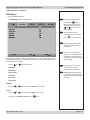
keys to adjust the Gain from 0 to 200.
Gains
•
Use the
•
To return to the Advanced menu, press
Rev B December 2010
once.
Page 4.17