1
Video Follow Spot - User Manual
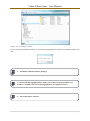
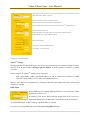
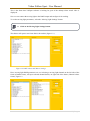
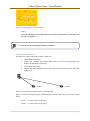
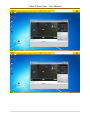
After saving tilt and pan parameters for Point 1 and Point 2, values can be check by selecting Point 1
and Point 2 option box. In this examples values are:
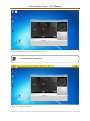
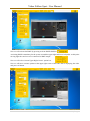
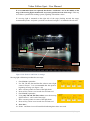
10. Select “Point 1” option box.
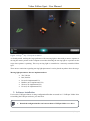
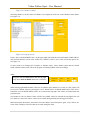
Use Tilt, Tilt Fine, Pan and Pan Fine to position moving light in front of
the stage. In this example values are:
Tilt (156), Tilt Fine (36), Pan (200), Pan Fine (210)
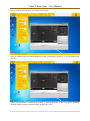
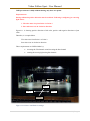
11. Select “Point 2” option box.
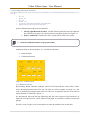
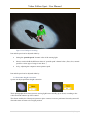
Changing only Tilt values, position moving light at the back of the stage.
In this example values are:
Tilt (166), Tilt Fine (113), Pan (200), Pan Fine (210)
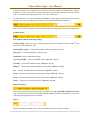
Figure 3.12.Point 1.And Point 2.settings.
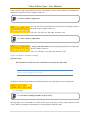
Important Note:
Pan and Pan Fine values in Point 1 and Point 2 must have the same value.
System is now configured for tracking.
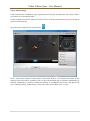
Tracking is activated by checking the tracking checkbox or by pressing the T key on keyboard.
3.3. Tracking
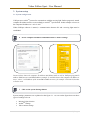
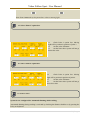
12. Check the Tracking checkbox or press T key.
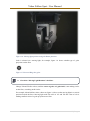
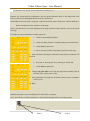
Moving light is now controlled as a remote follow spot, using the pc mouse pointer position on the
screen. Mouse movements are translated to a moving light pan and tilt values.
20. | P a g e