1
10.
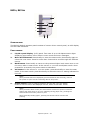
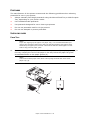
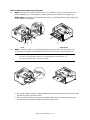
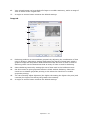
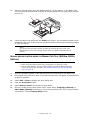
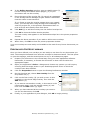
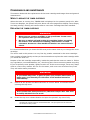
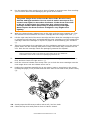
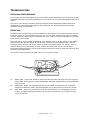
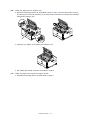
Insert the left end of the cartridge into the top of the image drum unit first (5), push
it against the pins on the drum unit, then lower the right end of the cartridge down
onto the image drum unit.
5
11.
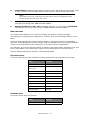
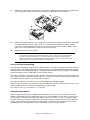
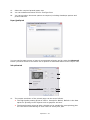
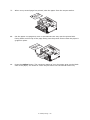
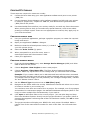
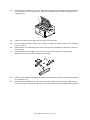
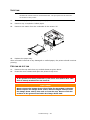
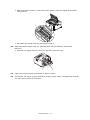
Pressing gently down on the cartridge to ensure that it is firmly seated, push the
coloured lever towards the rear of the printer (lock position) (6). This will lock the
cartridge into place and release toner into the image drum unit.
6
12.
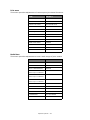
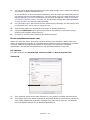
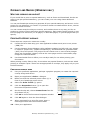
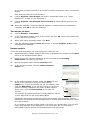
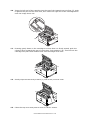
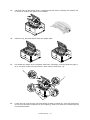
Gently wipe the LED array surface (7) with a soft, lint free cloth.
7
13.
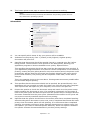
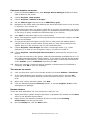
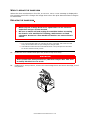
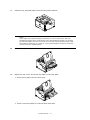
Close the top cover and press it down to latch it closed.
Consumables and maintenance > 62