1
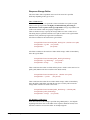
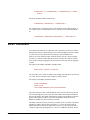
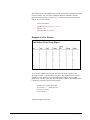
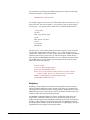
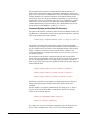
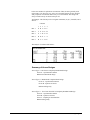
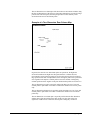
The first viewable page of the survey is named HTMLName_1.htm. All subsequent
pages of the survey (including the thank-you page) will have file names with an
underscore and number suffix. The last numbered file is the thank-you page, which is
the page that respondents will be shown when they click the final submit button.
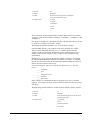
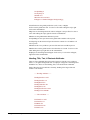
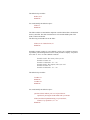
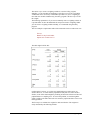
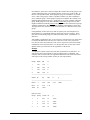
A one-page survey would have the following files.
Research.htm (Loader)
Research_1.htm (1st page)
Research_2.htm (Thank-you page)
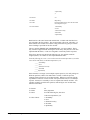
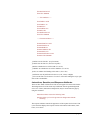
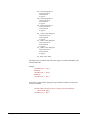
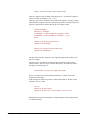
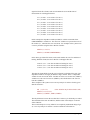
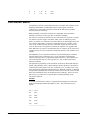
A three-page survey would have the following files.
Research.htm (Loader)
Research_1.htm (1st page)
Research_2.htm (2nd page)
Research_3.htm (3rd page)
Research_4.htm (Thank-you page)
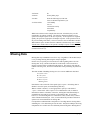
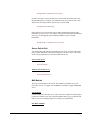
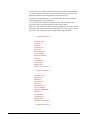
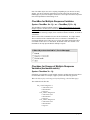
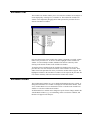
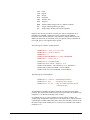
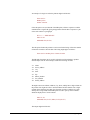
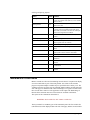
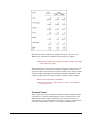
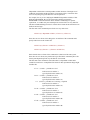
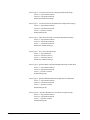
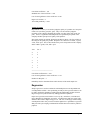
Additionally, the HTMLName command is used to name several other files.
Research_closed.htm (Survey is closed page)
Research_cookie_cutter.htm (Delete the cookie)
Research_popup_1.htm (1st popup window)
Research_popup_2.htm (2nd popup window)
Research_help_1.htm (1st help window)
Research_help_2.htm (2nd help window)
Research_start.htm (Loader page for password protected surveys)
The HTMLName_closed.htm page can be used after a survey has been closed. After
a survey is closed you can delete the survey from your server. However, you
probably also want to prevent late responders from getting a page not found
message. Therefore, when you delete a survey, the survey closed page will be shown
to respondents.
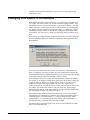
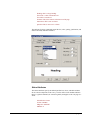
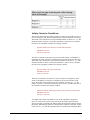
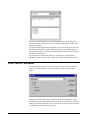
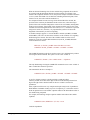
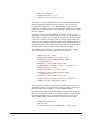
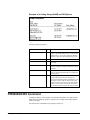
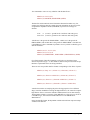
When cookies have been used to prevent visitors from taking the survey more than
once, then you also need to upload a file named codebookname_cookie_cutter.htm.
This file is necessary to test your installation. When a respondent finishes a page of
the survey, they will be given a cookie as they advance to the next page. The cookie
contains the ID number, and controls whether they will be able to return to a
previous page and it will redirect their browser to the proper page if they quit the
survey without completing it and come back to finish it at a future time. When you
test your survey online, you too will receive the cookie. Thus, you could test it once
but you might be unable to test it again. To delete the cookie from your computer, set
your browser to HTMLName_cookie_cutter.htm and the cookie will be deleted.
You'll then be able to test the survey again.
92 • Internet Surveys
StatPac For Windows User's Manual